
1500R Sport | v1.2.0
Free trial and rental options available on the MSFS 2024 Marketplace! This purchase will allow you to check out with the 2024 version for free!
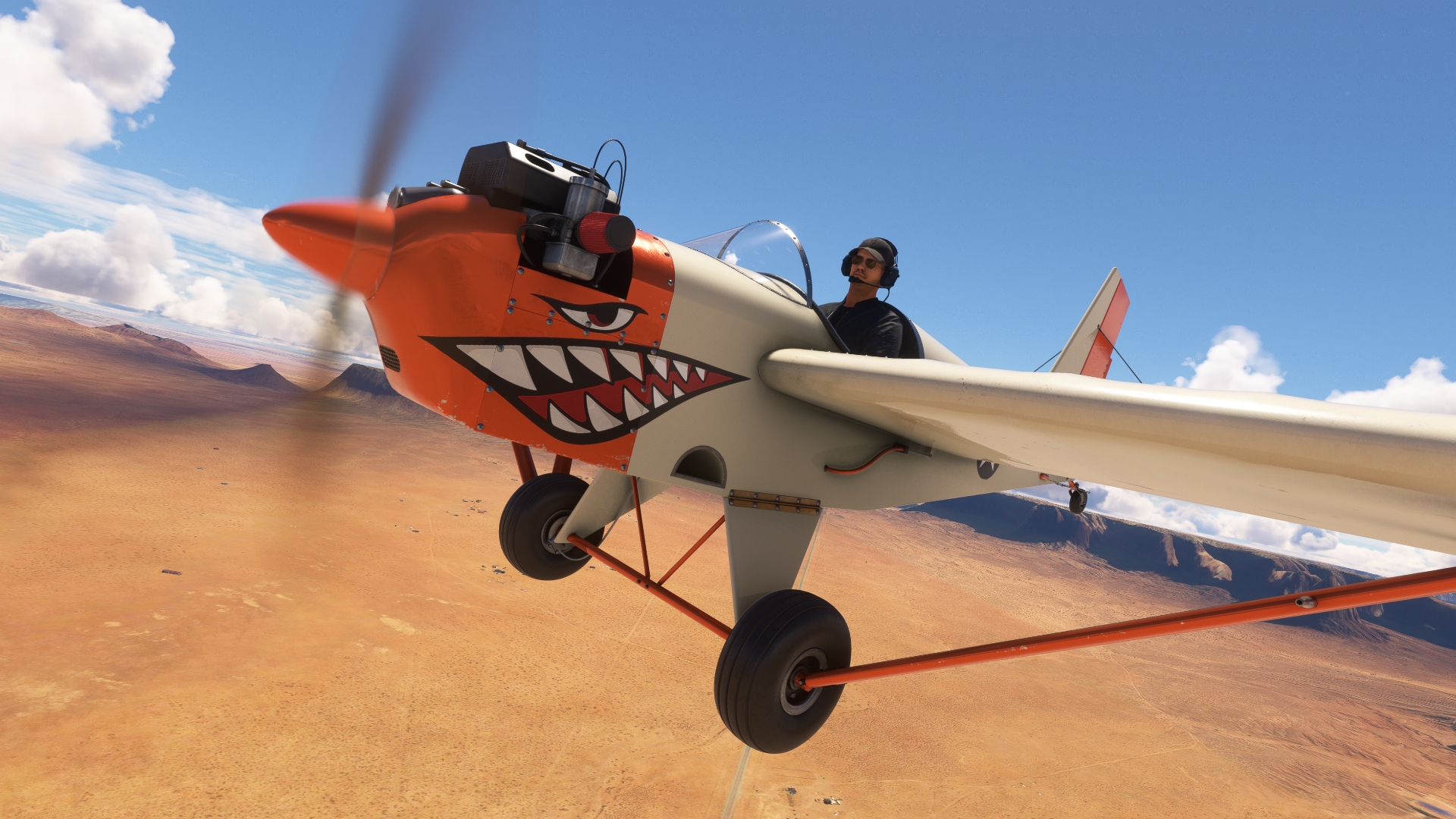
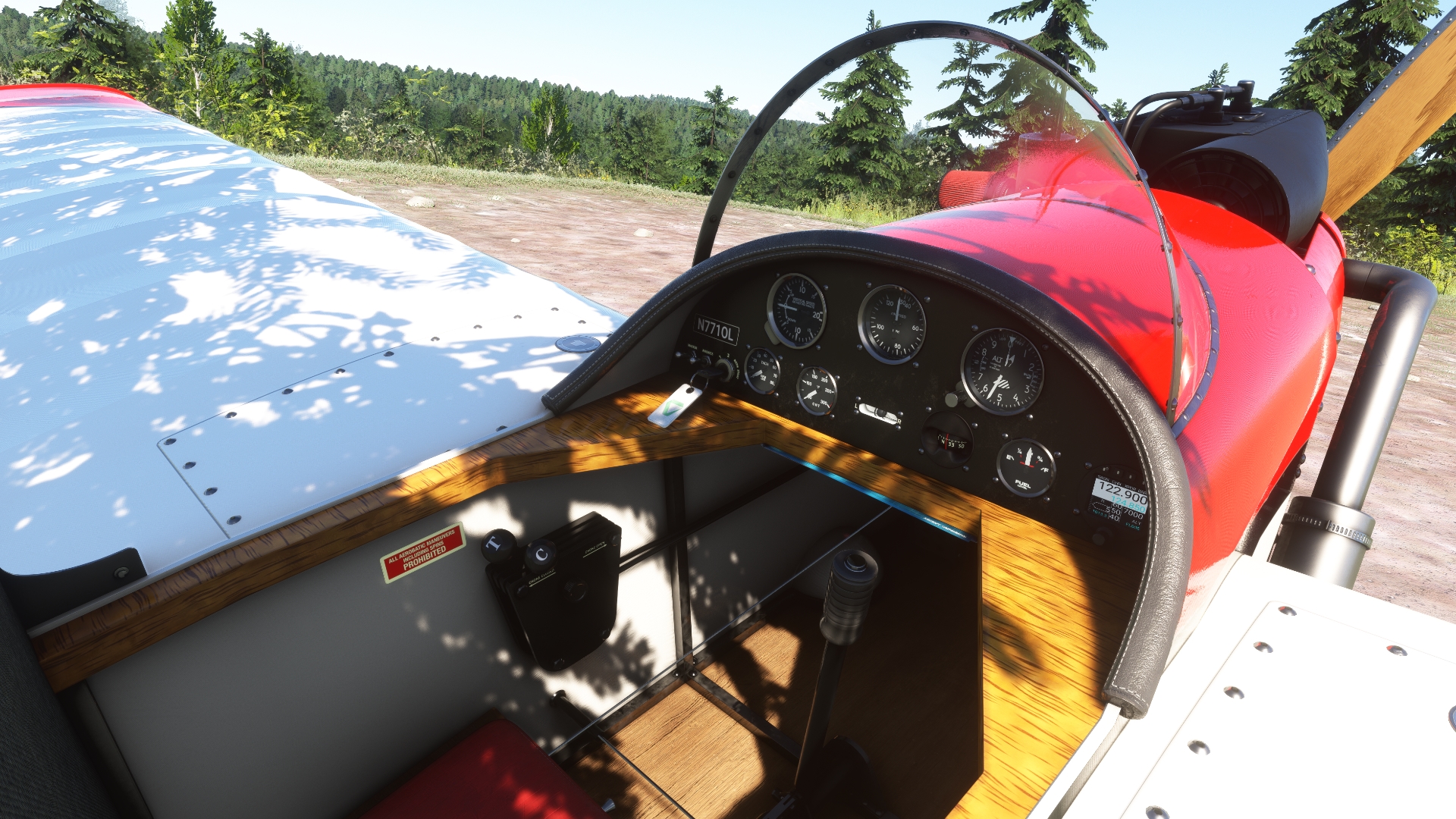
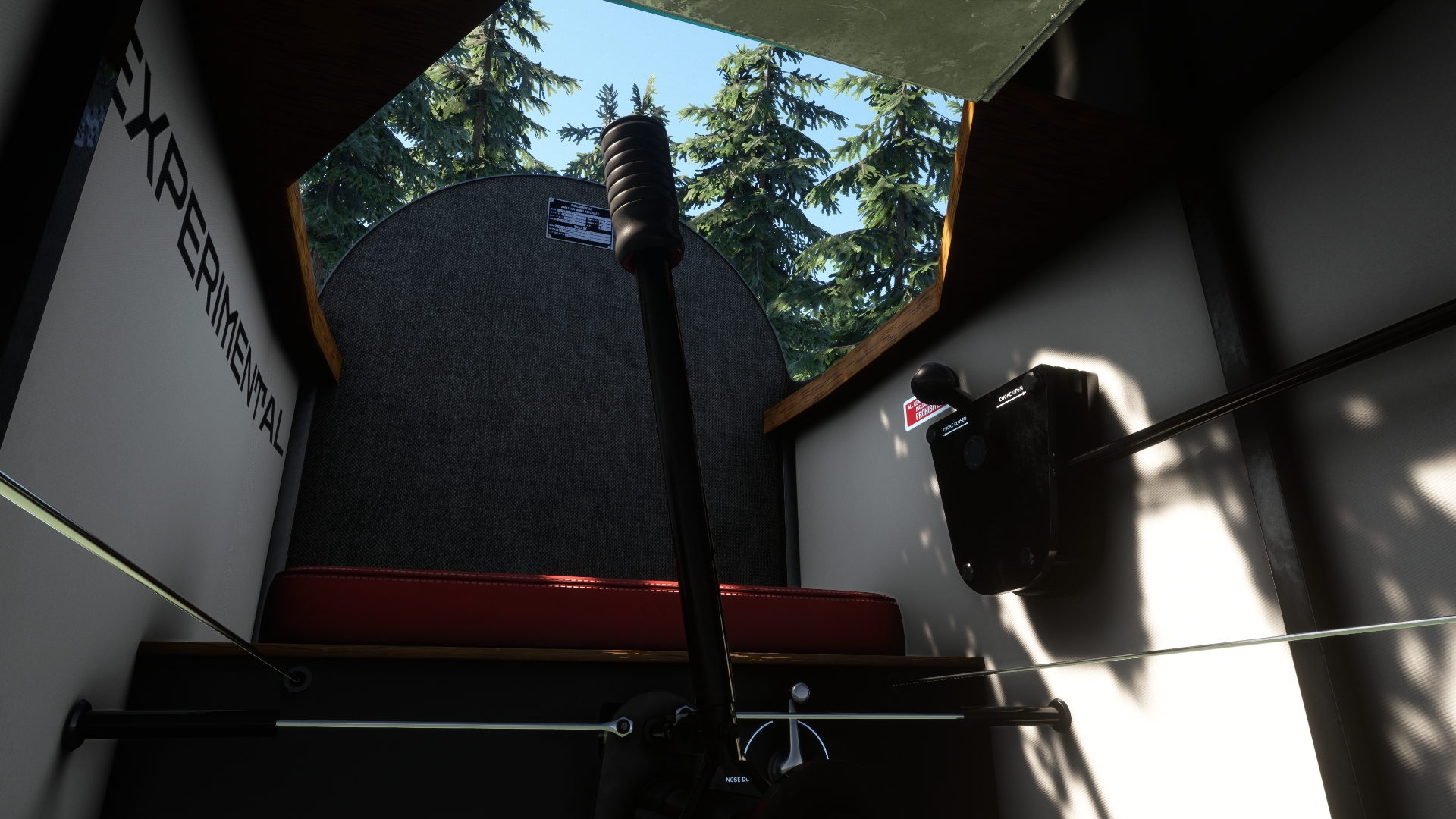
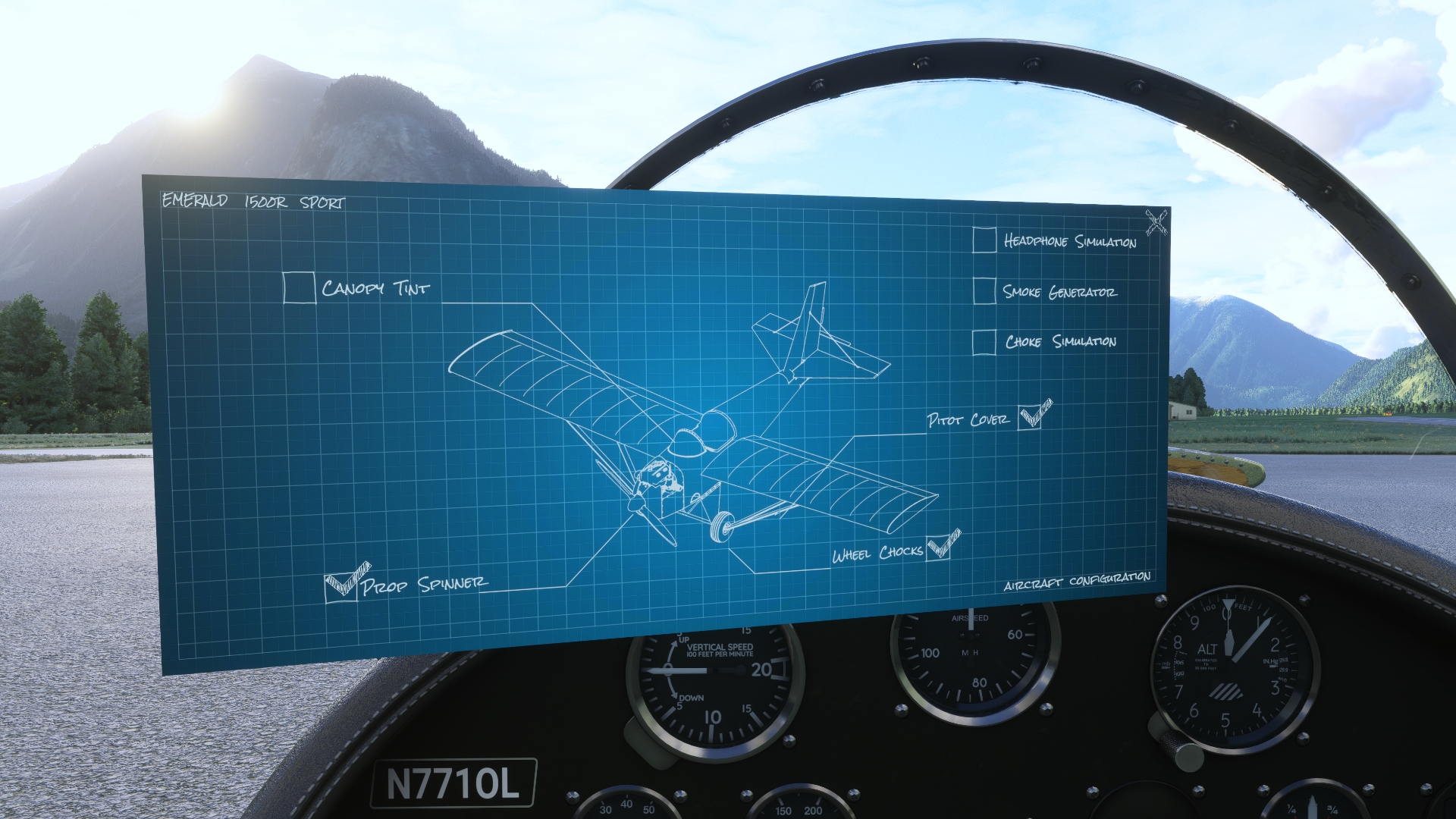
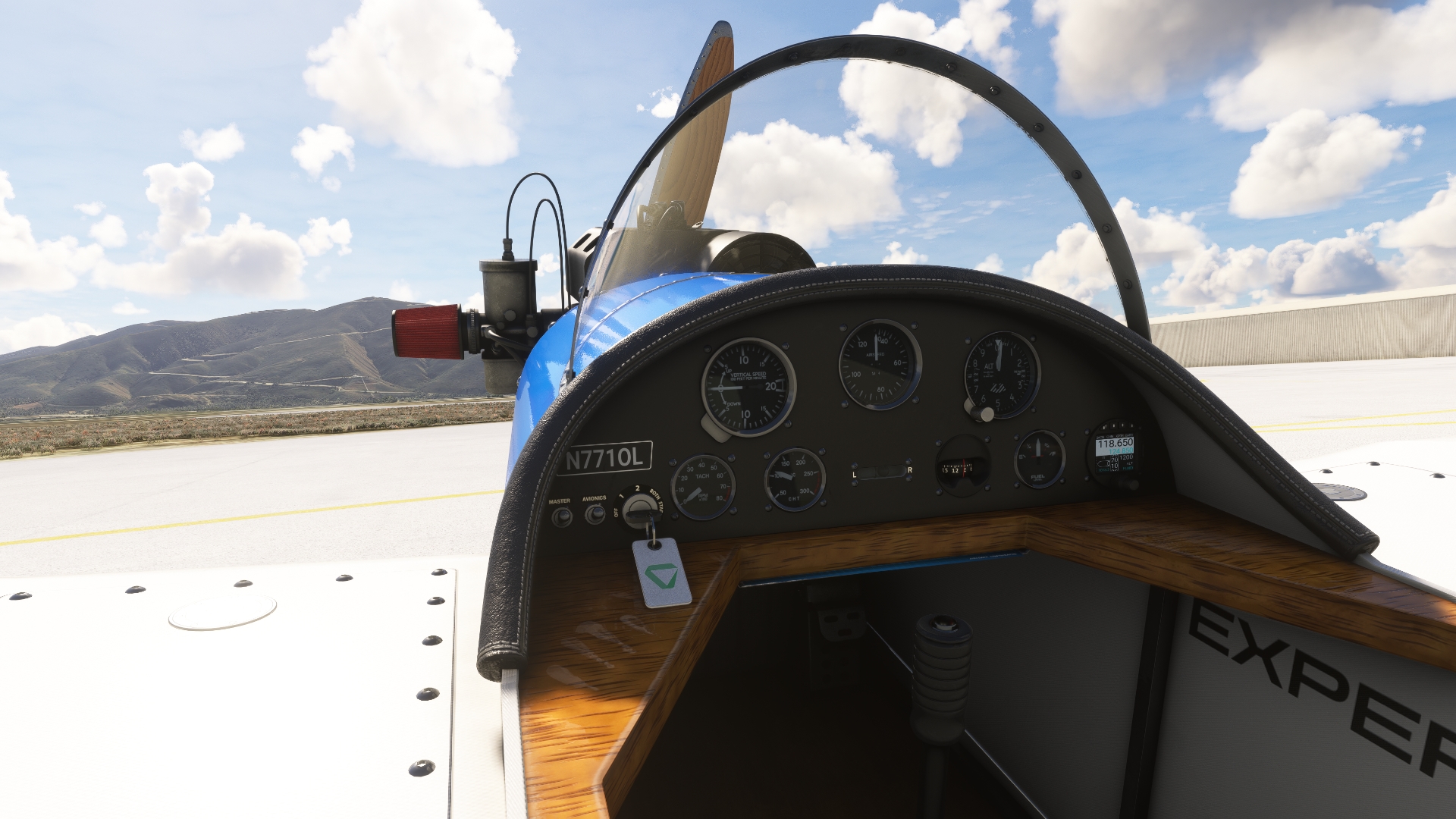
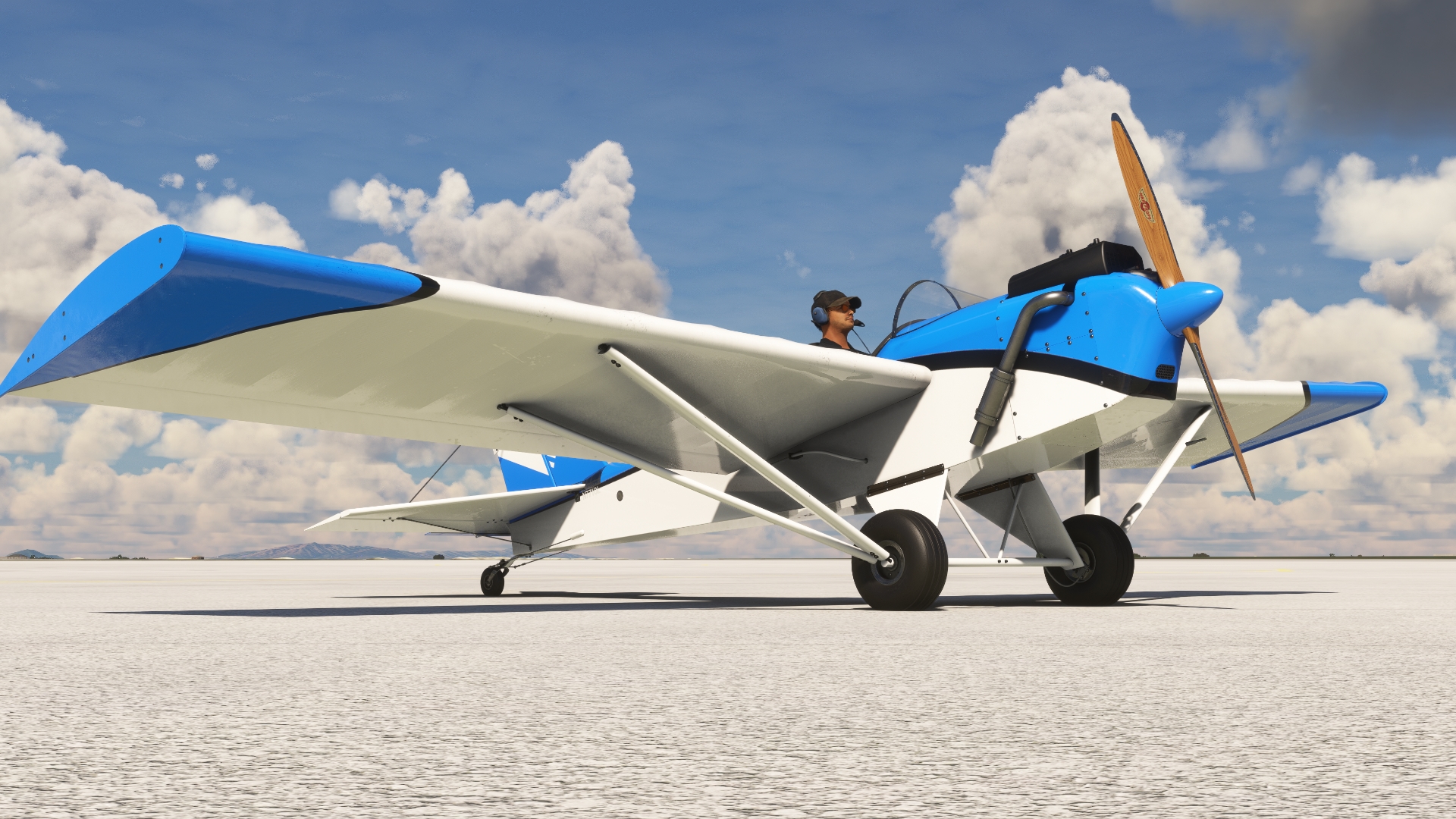
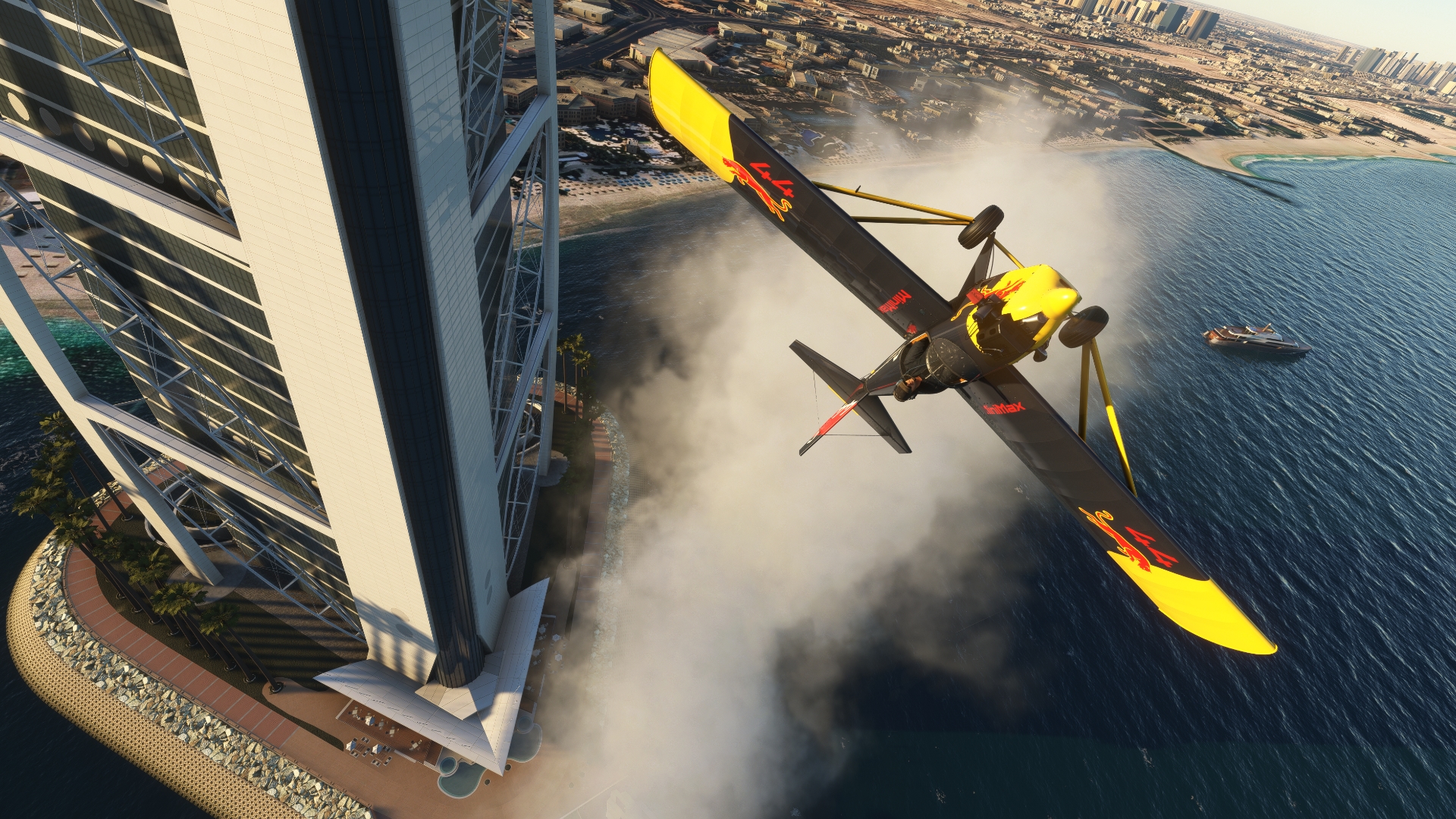
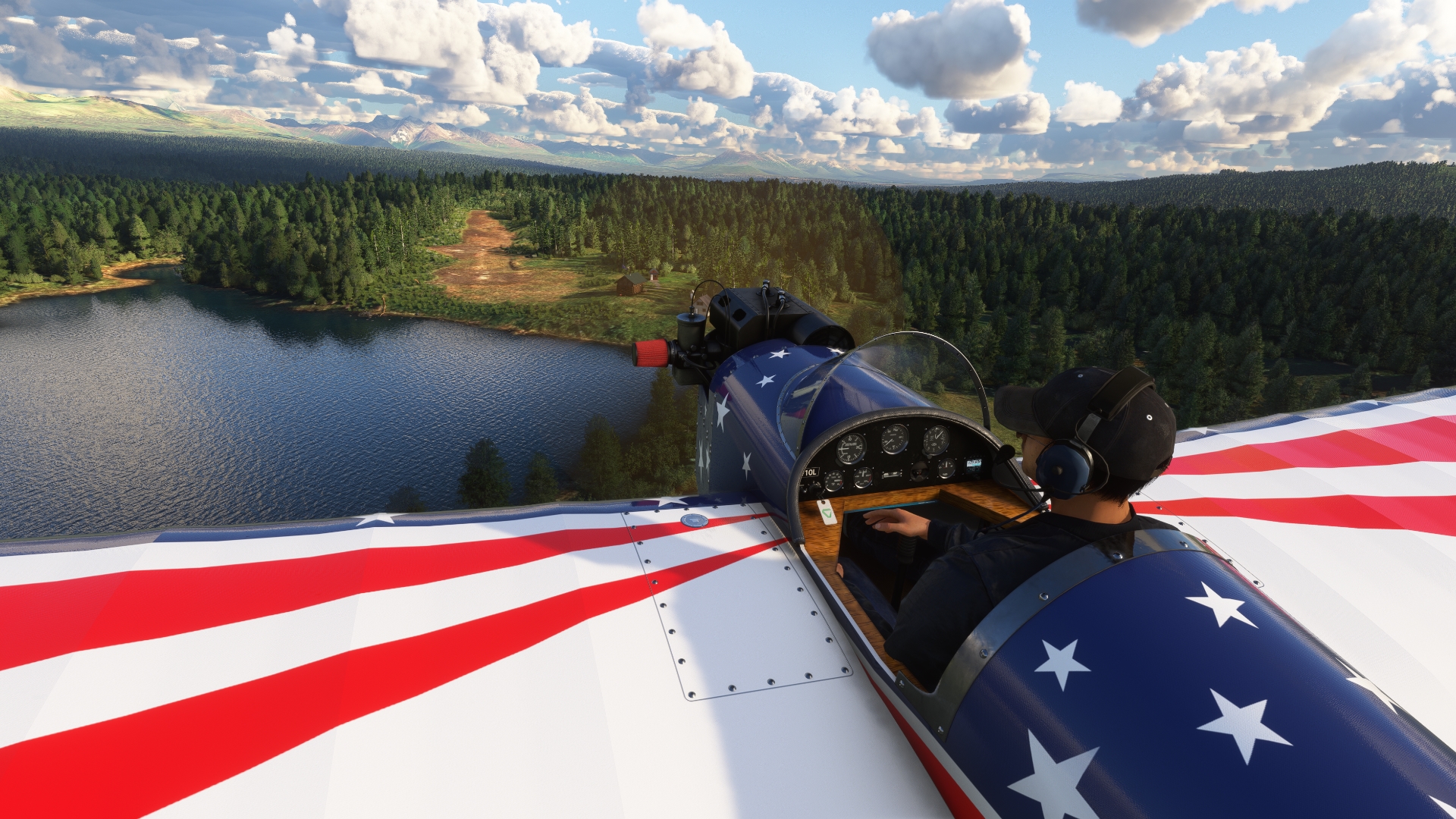
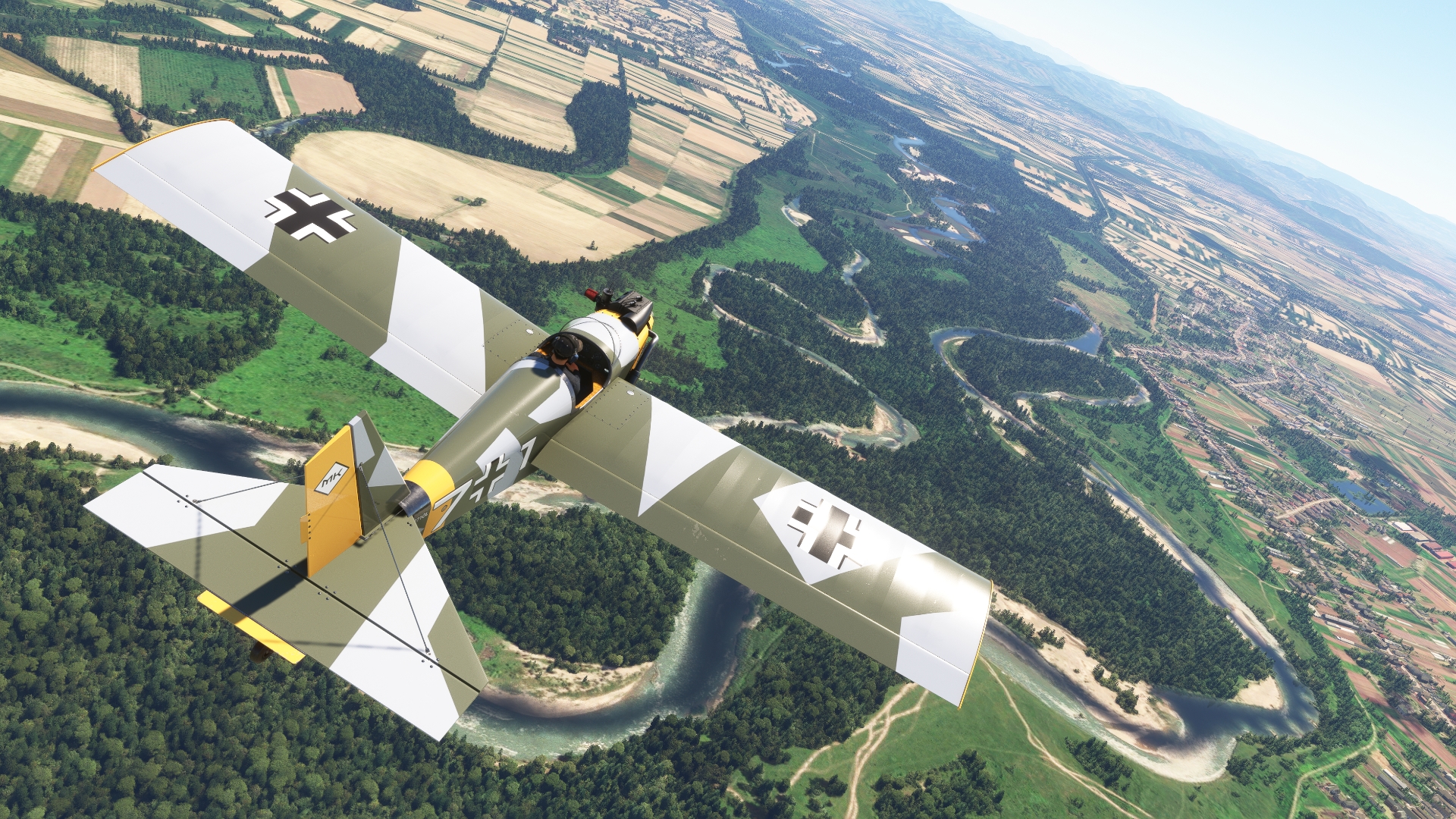
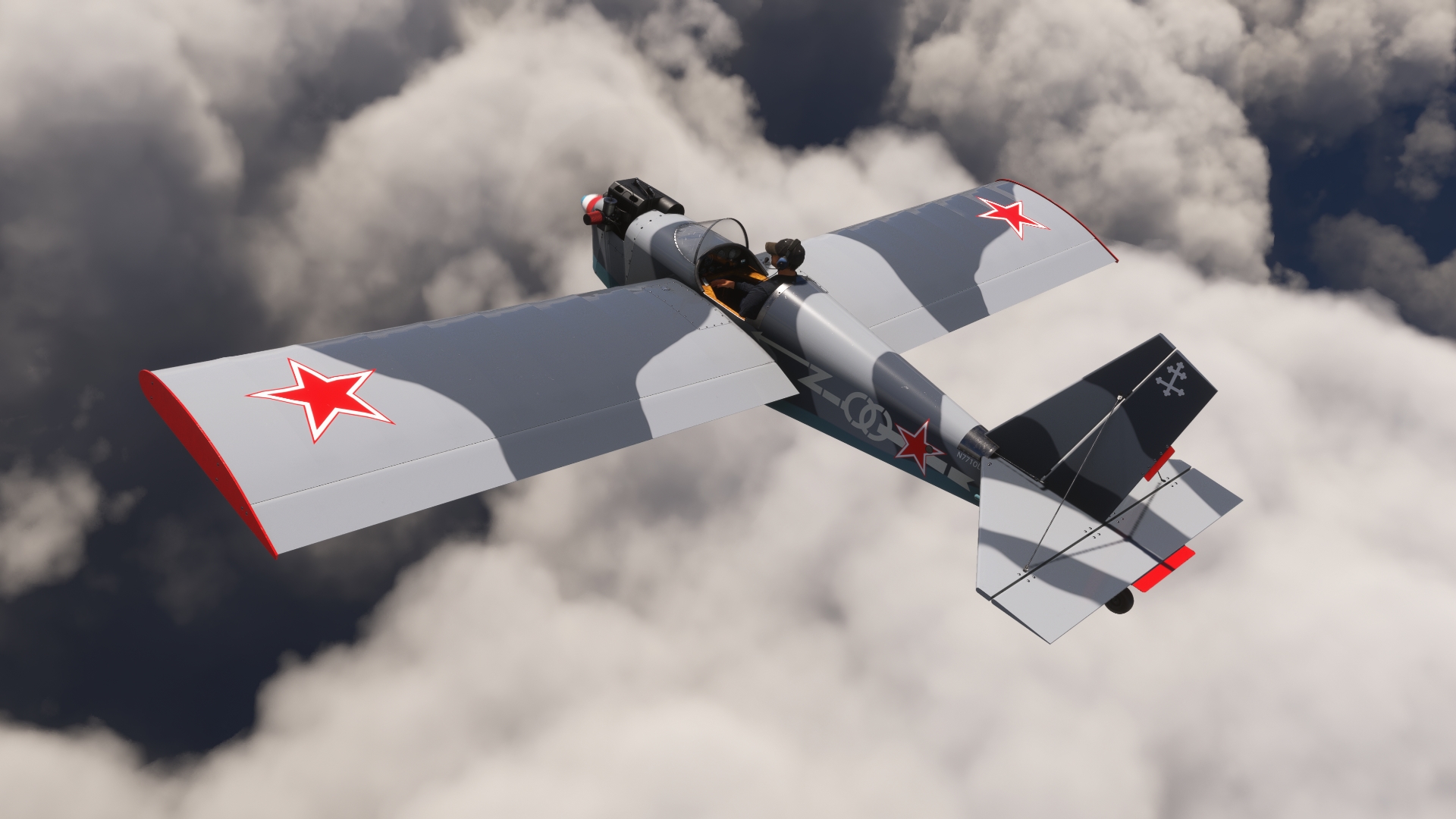
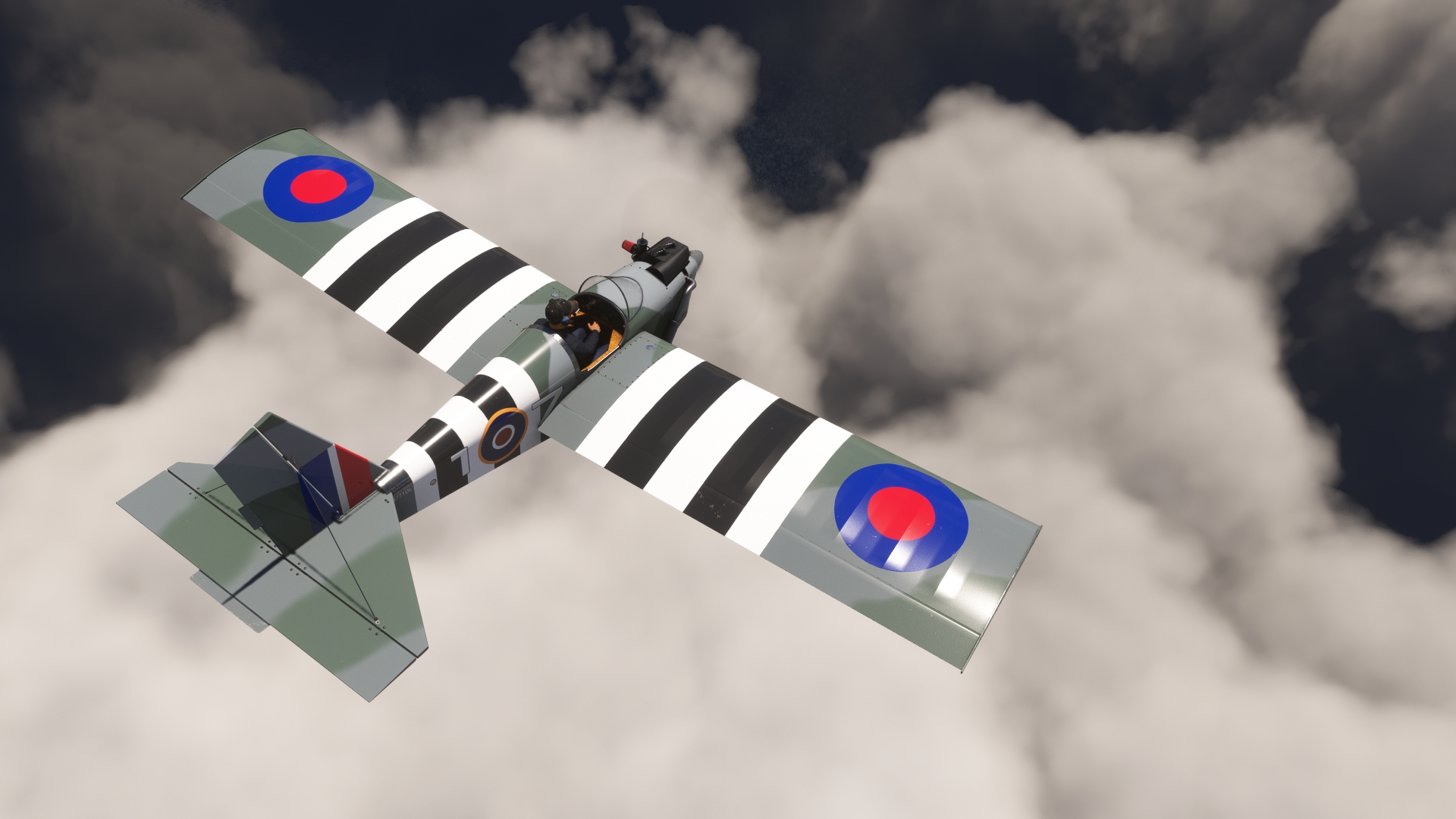
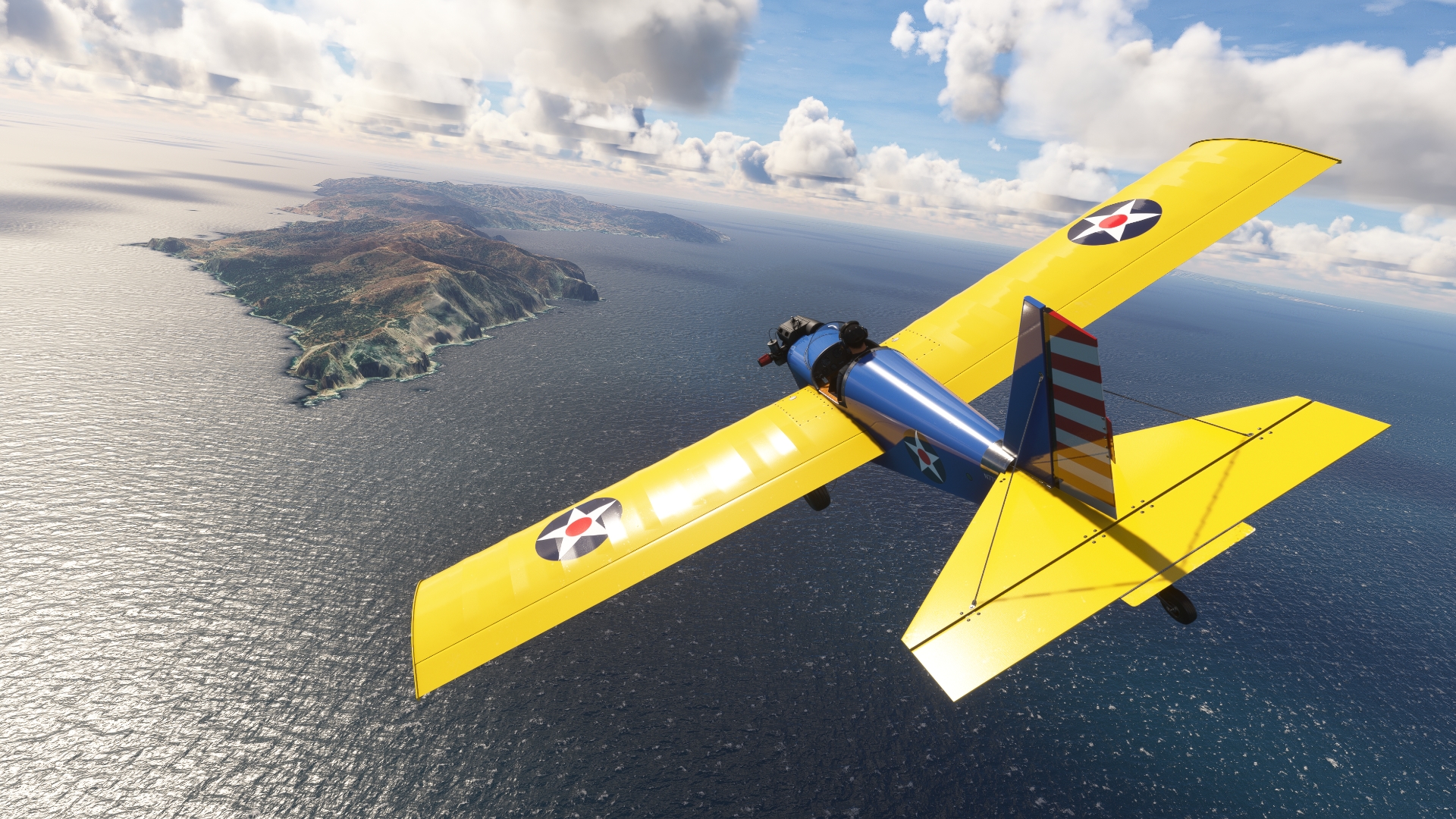
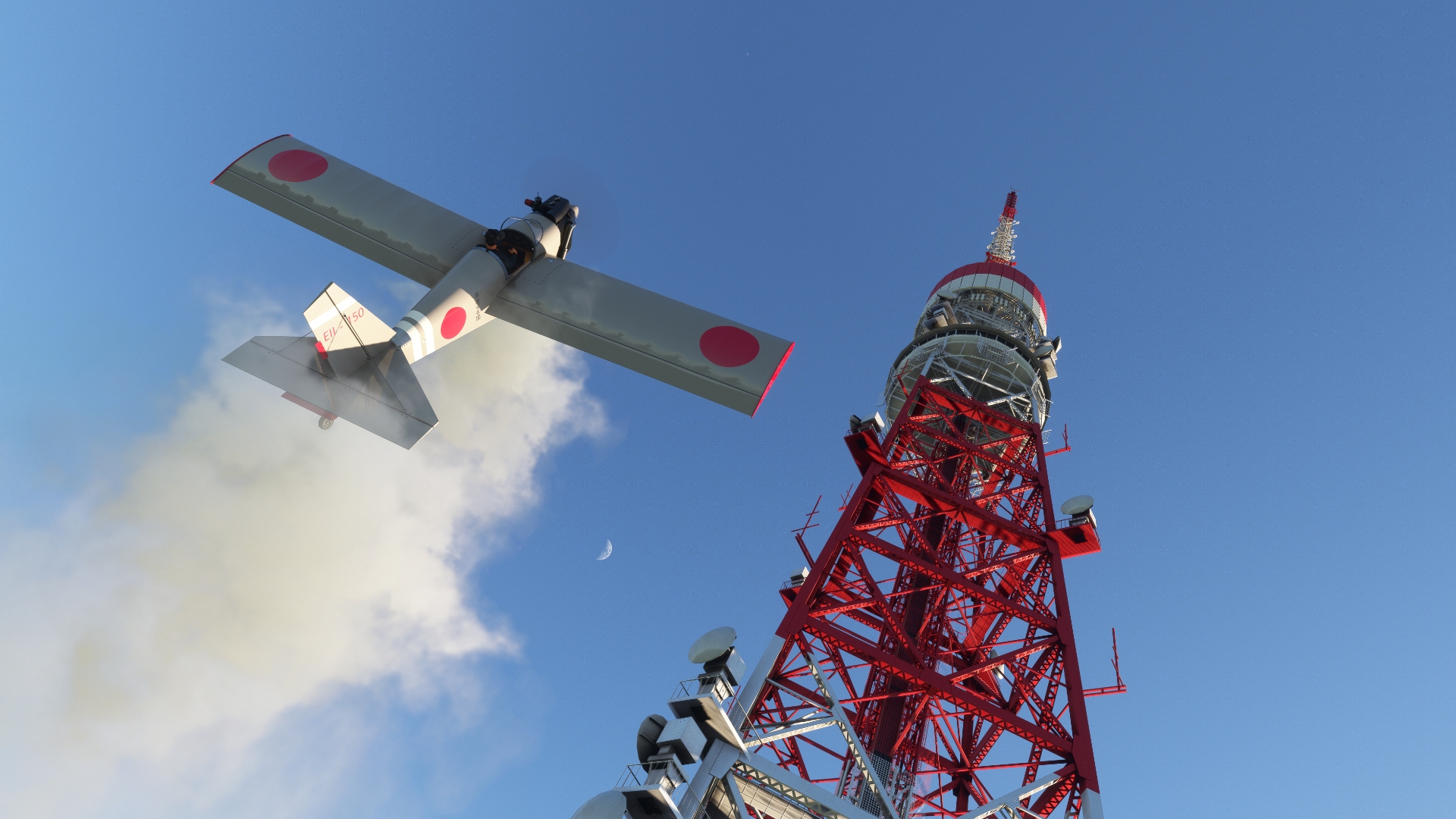
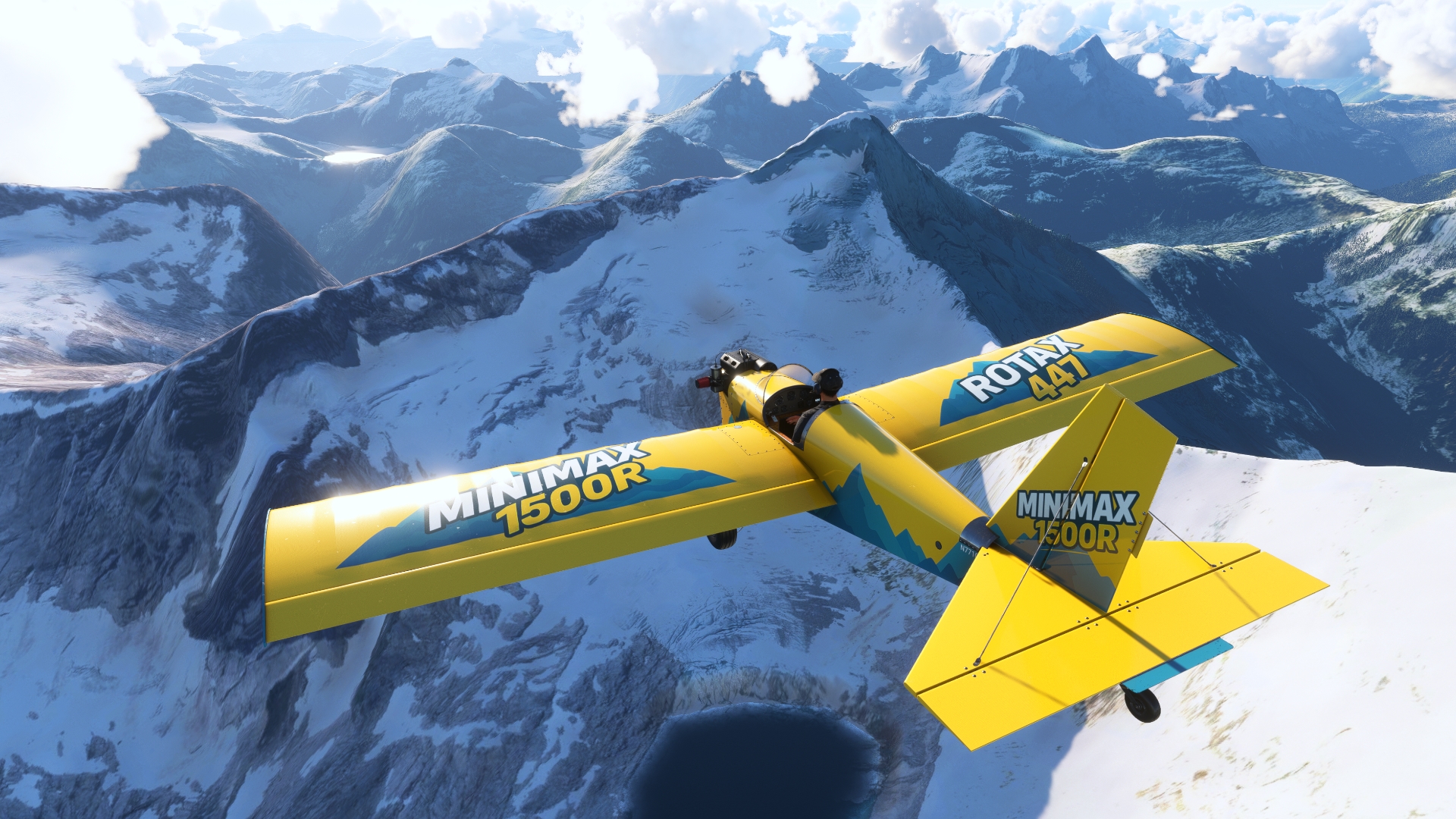
Modeled after its real-world counterpart, the 1500R Sport features a 40 hp Rotax 447 2-stroke engine, giving it a climb rate of around 1000 fpm, a takeoff roll under 100 ft (30 m), and landing roll of around 200 ft (60 m). This makes the 1500R a very versatile aircraft, and with it’s upgraded 17″ tires, the 1500R excels on both soft-field and paved surfaces, though pilots should note the lack of suspension which would make for a rougher experience on unimproved runways.
Features
- 12 hand-crafted liveries
- Custom Wwise Sounds
- 2-stroke choke simulation, including flooding (Optional + Persistent)
- A breakable prop, resulting in engine damage (Reset with Slew Mode)
- Multiplayer Smoke
- Headphone Simulation
- A togglable prop spinner (Persistent)
- Tinted glass (Optional + Persistent)
- Togglable Chocks
- Togglable Pitot Cover (Will affect airspeed if left on)
- Dynamic Vibration Simulation for gauges and various parts (Tunable Intensity + Persistent)
- VR Motion Control Support for Stick, Switches, & Levers
Only logged in customers who have purchased this product may leave a review.
Supported Sim(s)
Microsoft Flight Simulator 2020
File Format: Zip
File Size
625 MB (Compressed), 1.26 GB (Uncompressed)
September 17, 2026 | v1.2.0
- Added keybind support for: SMOKE OFF, SMOKE ON, SMOKE SET, SMOKE TOGGLE.
- Added wind volume control to blueprint (persistent).
- Adjusted elevator trim push rod length.
- Adjusted mix of combustion sounds.
- Adjusted mix of wind sounds and increased max volume.
- Changed active comm frequency preset to 122.8 and standby to 121.5 (guard).
- Choke is now mapped to the Spoiler Axis.
- Fixed an issue with other addons overwriting the default smoke effect.
- Fixed blueprint and compass markings fading as camera zooms out.
- Fixed elevator, ailerons, and control stick not animating in multiplayer.
- Fixed elevator downward deflection angle (animation was not reaching 100% down).
- Fixed multiplayer/AI engine sounds (Missing pitch curve, causing RPM transitions to be linear).
- Fixed radio select interactions in Legacy interaction mode (added ability to left click to select).
- Fixed sounds and improved interaction feedback for radio buttons 1-4.
- Fixed transponder ident not working (simvar wouldn’t change).
- Fixed transponder mode unable to be changed while on the ground (simvar wouldn’t change).
- Improved prop strike detection code (now angle-based).
- Reworked elevator trim interaction and animations.
- Pitot cover will now be removed during auto-start.
February 20, 2026 | v1.1.0
- Added ability to repair broken propeller to Blueprint.
- Added code to allow wheels to spin when hydroplaning.
- Added hardware detail for toe brakes.
- Added seatbelt.
- Added sound effect when fixing prop through slew mode or Blueprint.
- Adjusted flight model so that control inputs are less linear and more realistic.
- Adjusted sounds: Lowered wind volume. Rebalanced levels of many switches, controls, and foley sounds. Fixed precip sounds not looping and not changing with various simvar rates. Fixed rudder movement sounds not looping.
- Adjusted VR Pilot Camera positioning and corrected category.
- Fixed circuit causing autopilot key bindings to not work.
- Fixed fuel caps decal orientation.
- Fixed missing wheel water spray and engine start VFX.
February 2, 2026 | v1.0.0
- Initial release.
- Aircraft doesn’t load properly when purchased from Marketplace:
Ensure that you restart the sim after purchasing/installing the aircraft. If issues still persist, uninstall the aircraft (if applicable), and clear your rolling cache before reinstalling. - I broke the propeller. How do I fix it?
Enable slew mode to repair the propeller. The default keybind in MSFS 2024 is Shift+Z. If the aircraft is still in the upright position, a fix option will appear on the Aircraft Configuration Blueprint. - I cant start the engine:
Ensure that your Choke is set correctly, or disable the Choke Simulation option in the Blueprint if you do not wish to use this feature. If you still are unable to start the engine, ensure you have fuel loaded. - Why is the Airspeed Indicator not working?
Make sure that you have removed the Pitot Cover and Static Port Cover (2024) by clicking on it in Avatar mode or by unchecking it in the Blueprint. Covers can only be removed while on the ground. - Do I get a copy of the aircraft for 2020 and 2024?
Yes, on the platform you purchased it on. If you have not been credited a copy on Marketplace, submit a support request at this link. - I keep seeing my Multiplayer Airshow Smoke on, and when I click to disable it on the Aircraft Configuration Blueprint, it is stuck in the “On” position.
Verify your flightsim hardware does not have any physical switches tied to logo lights set in the on-position as they will be constantly sending the sim a command to keep the smoke generator on.
You can find PDF documentation for this addon at the following link:
View Manual & EULA
Download Paintkit | v1.0.2
February 6, 2026


Reviews
There are no reviews yet.