
Bald Eagle Airfield- Myakka Head | v1.0.4
The Microsoft Flight Simulator 2024 native version of this product can be downloaded here!
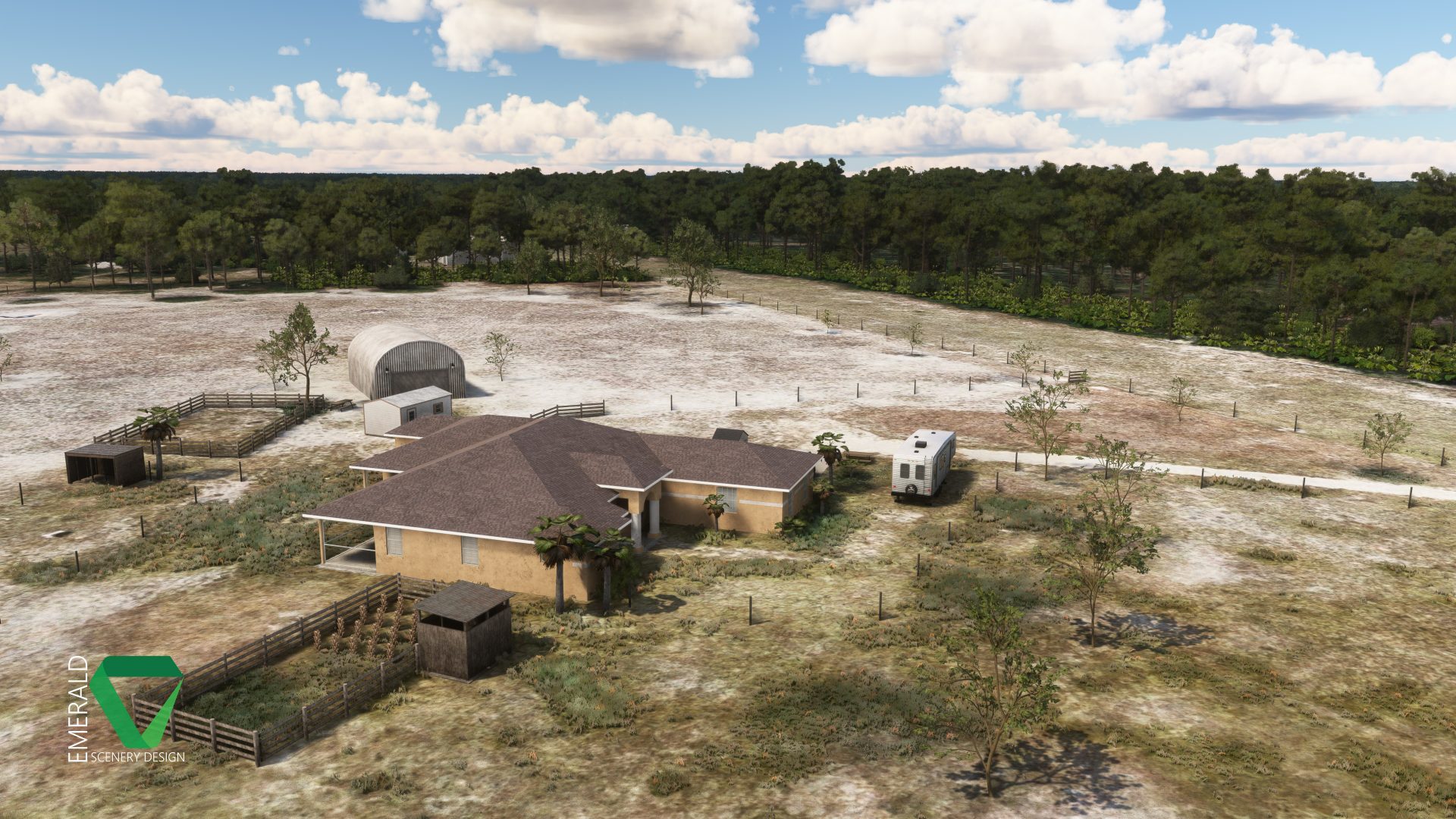
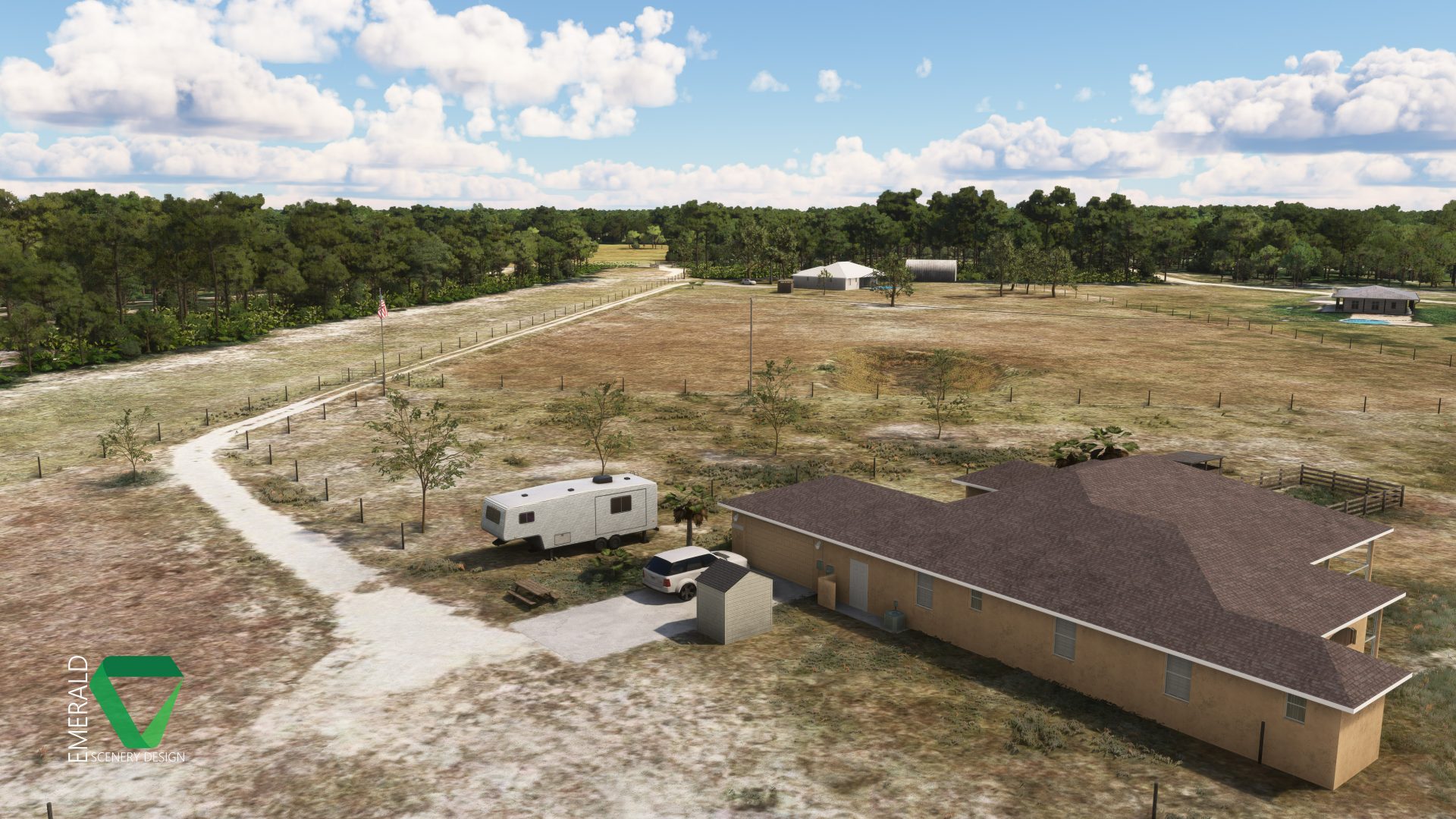
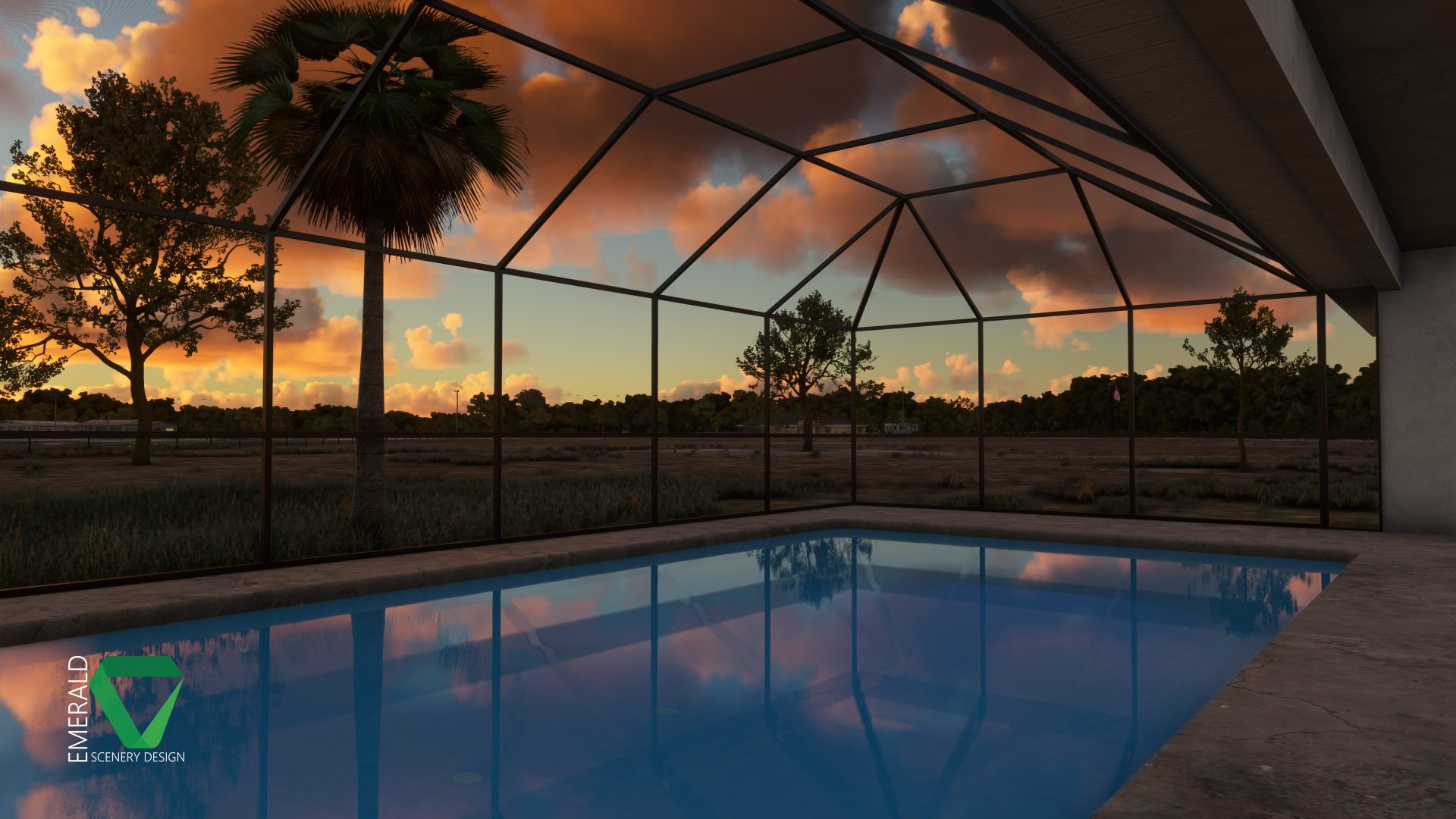
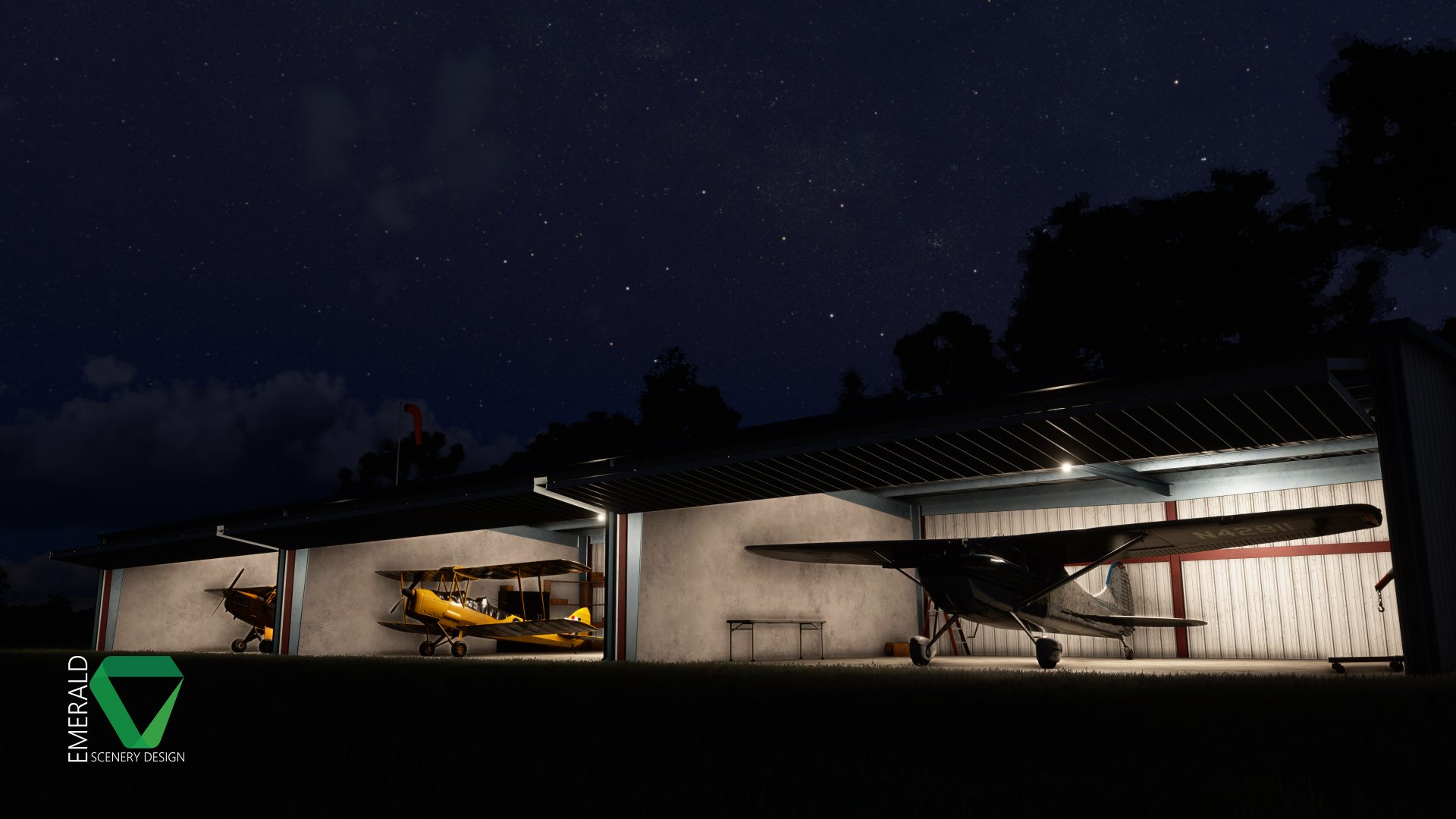
Also Available on the MSFS Marketplace for PC & Xbox!
IMPORTANT – LIBRARY REQUIRED!
Emerald Object Library (Also available on Marketplace) is required for this scenery to display as intended! Not installing the library will result in most models not showing throughout the scenery. Emerald Object Library is our own in-house collection of static and dynamic models, materials, and VFX which allows us to push fixes for common assets across multiple products at once, as well as keep the required space of our addons to a minimum by eliminating duplicates in each project.
A Weekend Flyer’s Paradise!
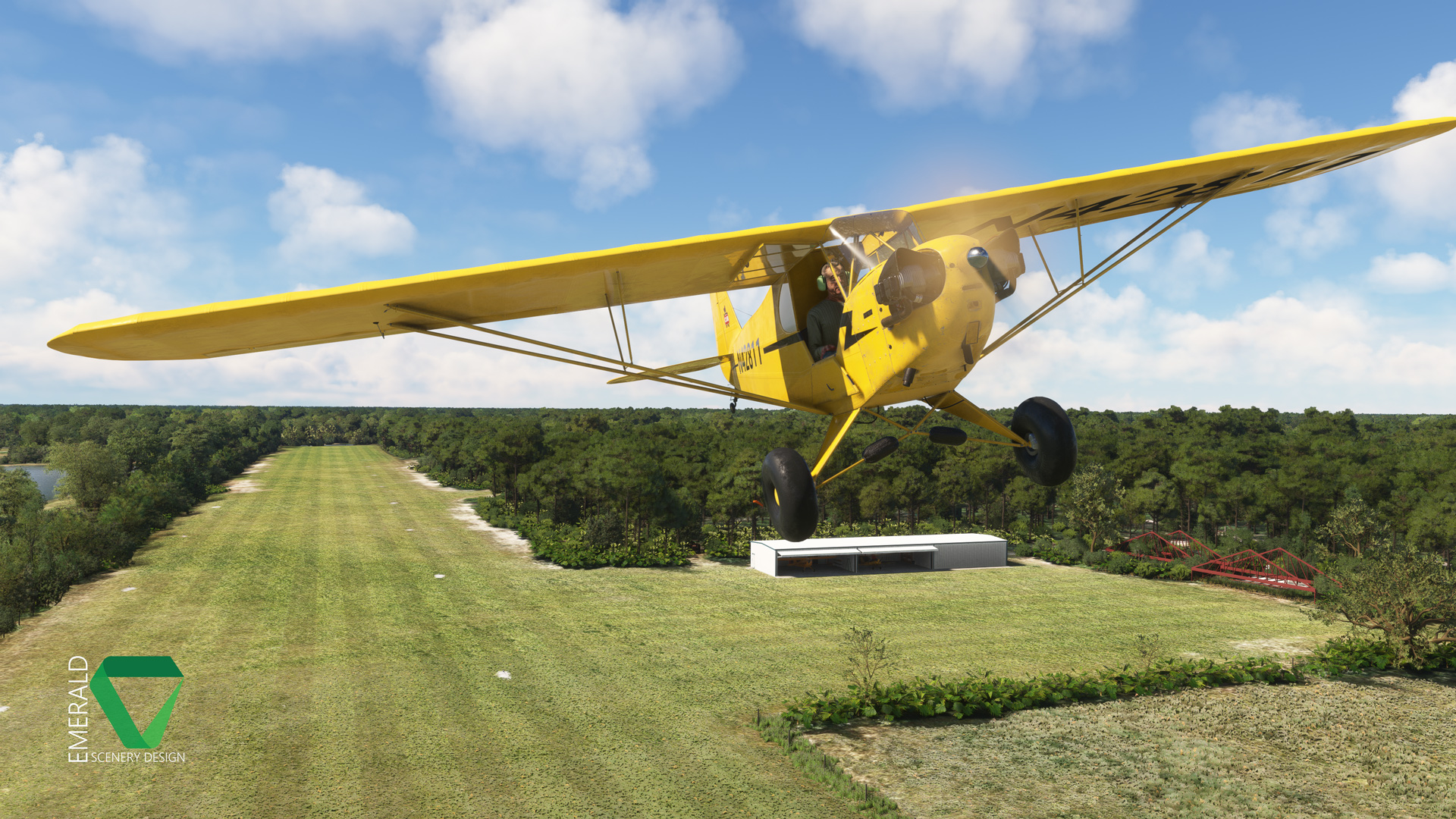
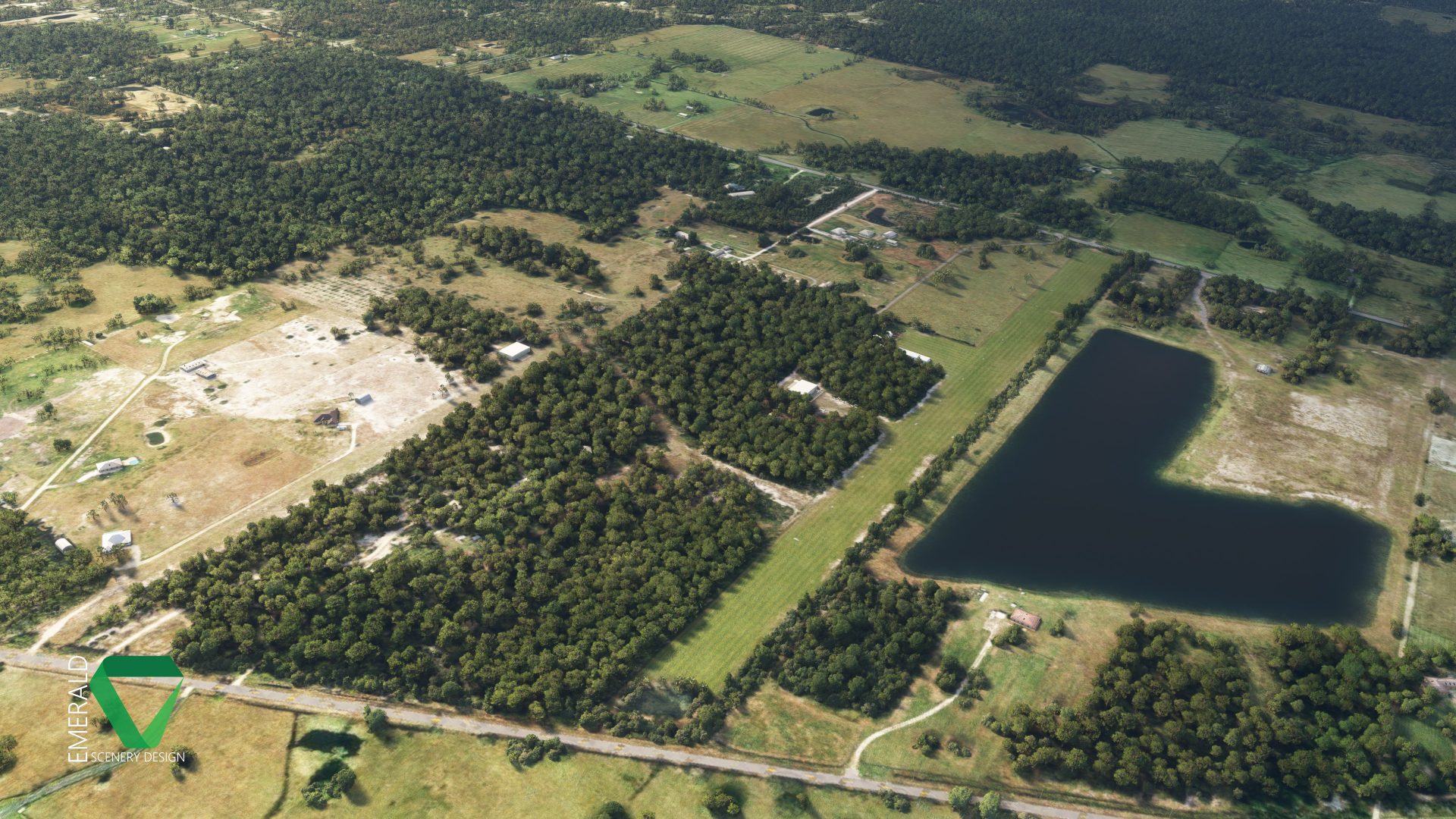
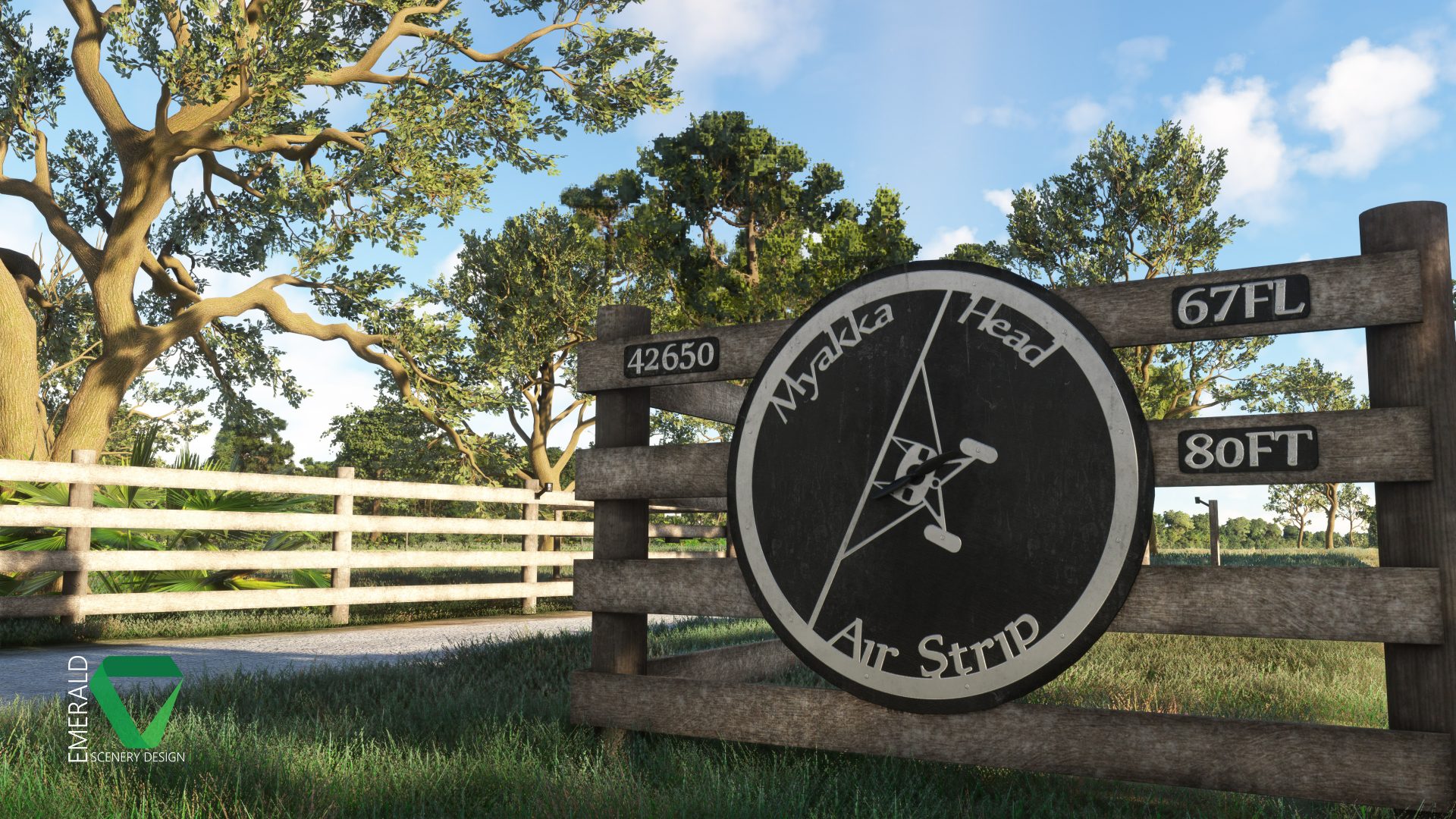
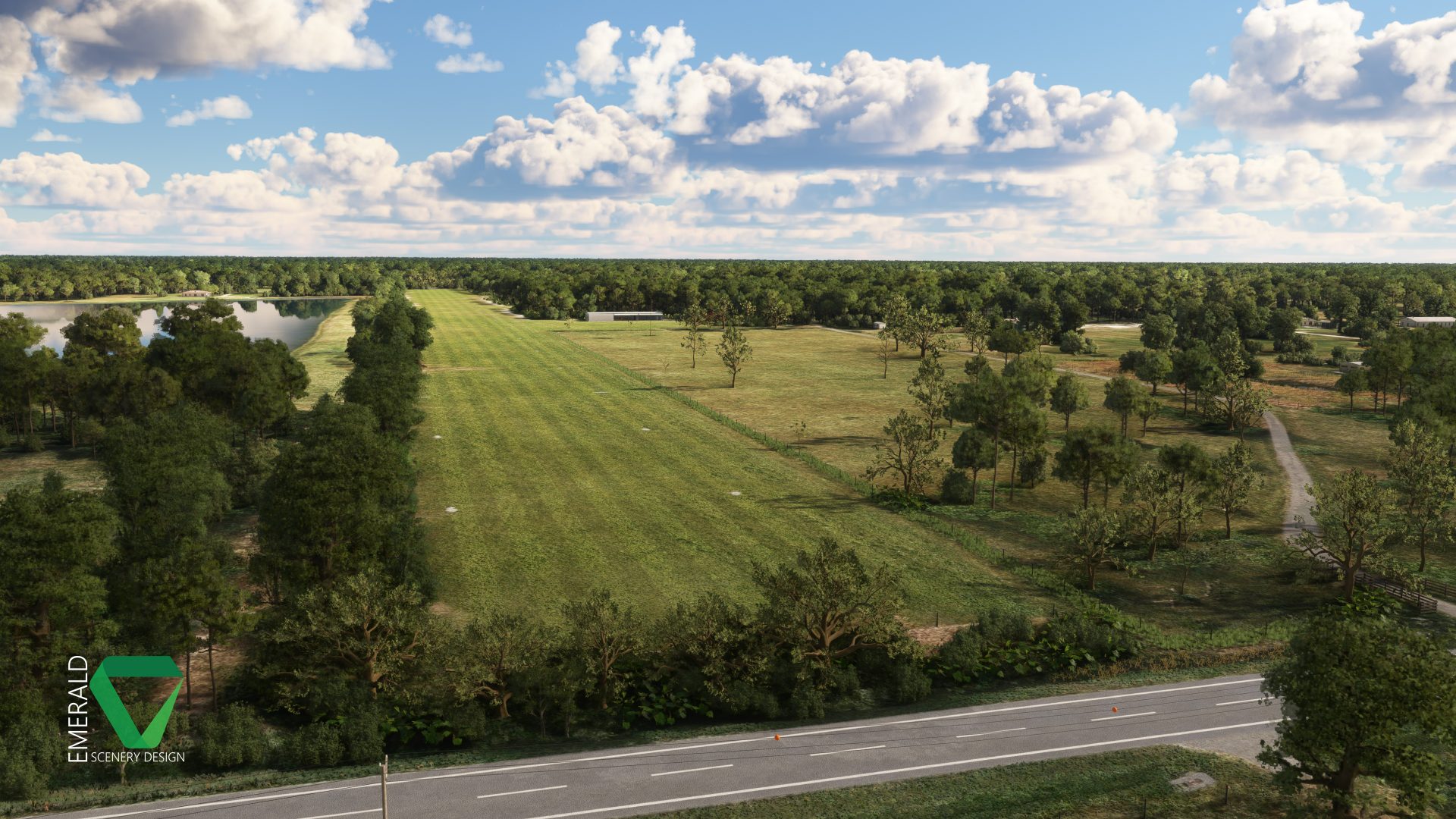
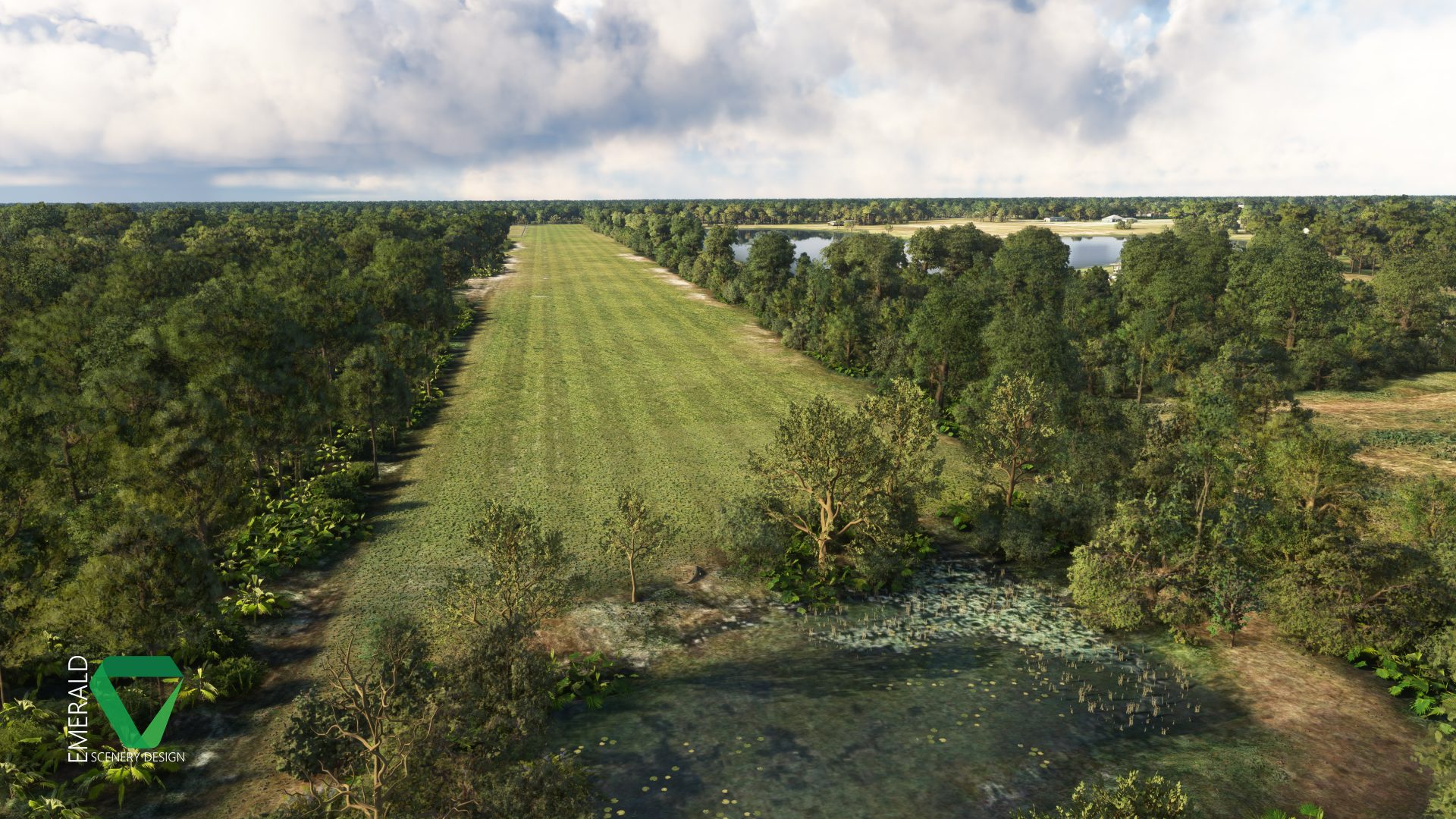
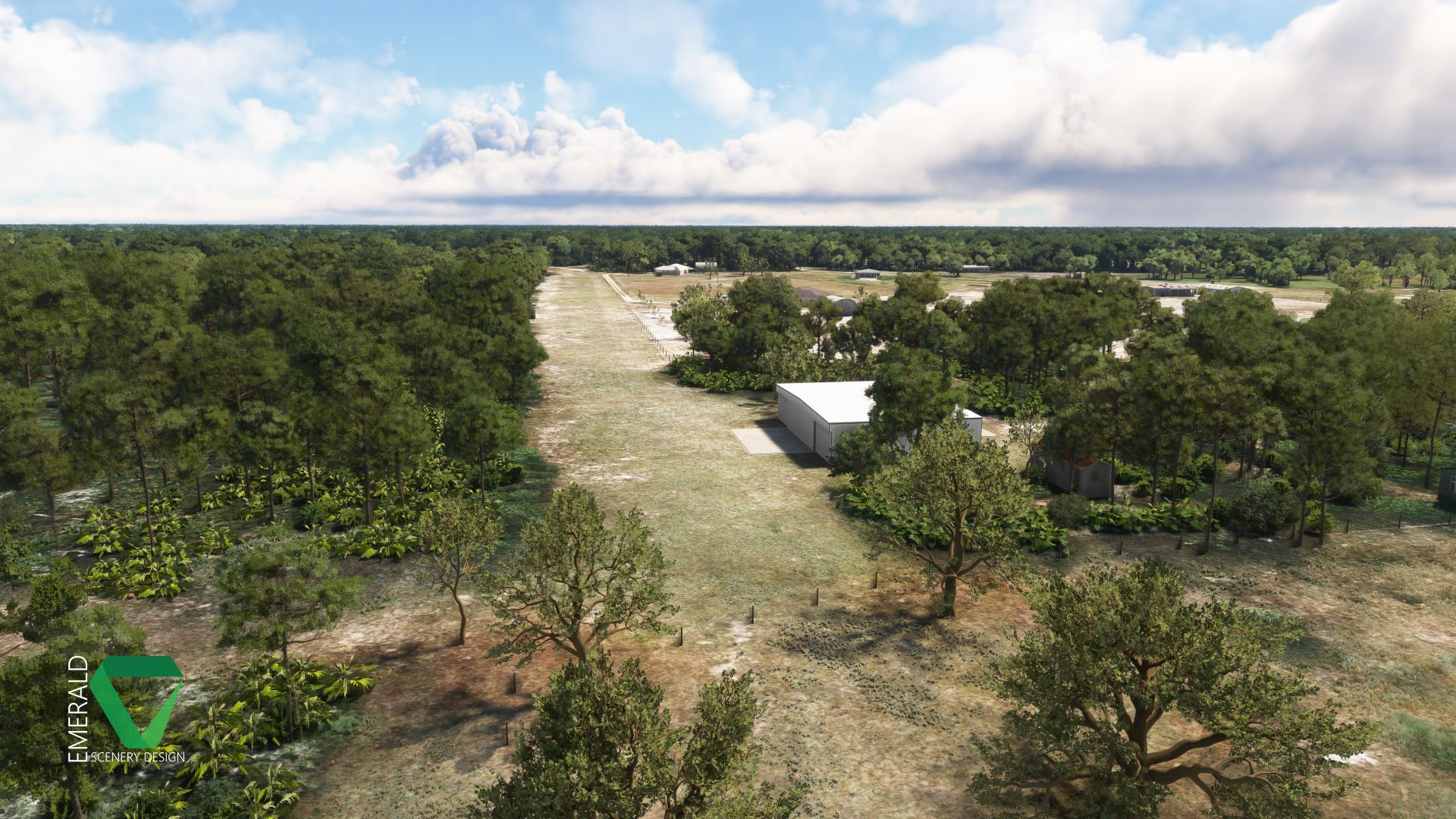
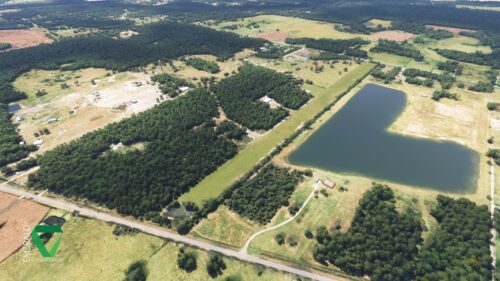
This scenery includes two detailed airstrips: Bald Eagle Airfield- Myakka Head (67FL) and an unlisted private airstrip. Recently acquired by automotive YouTuber Cleetus McFarland, Myakka’s 3400×130 ft (1036×40 m) grass runway is the perfect starting point for some weekend flying! The runway is well maintained and can easily accommodate most GA and Warbird aircraft. Another 50 ft (15 m) strip of grass on the West side of the runway provides additional space for aircraft to taxi and hold just off of the runway, keeping it clear for other aircraft. A parking spawn on the nearby lake also provides water access.
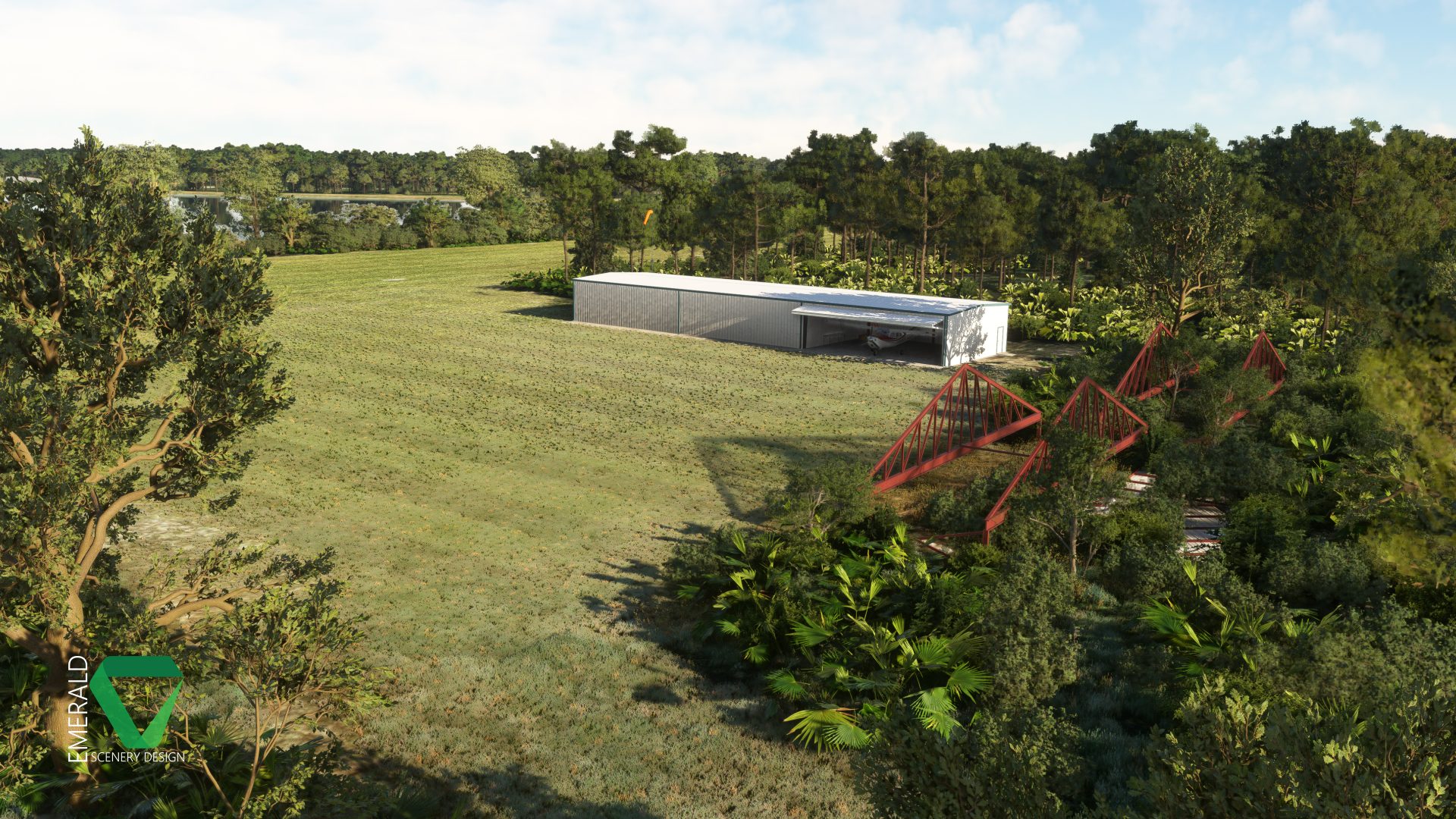
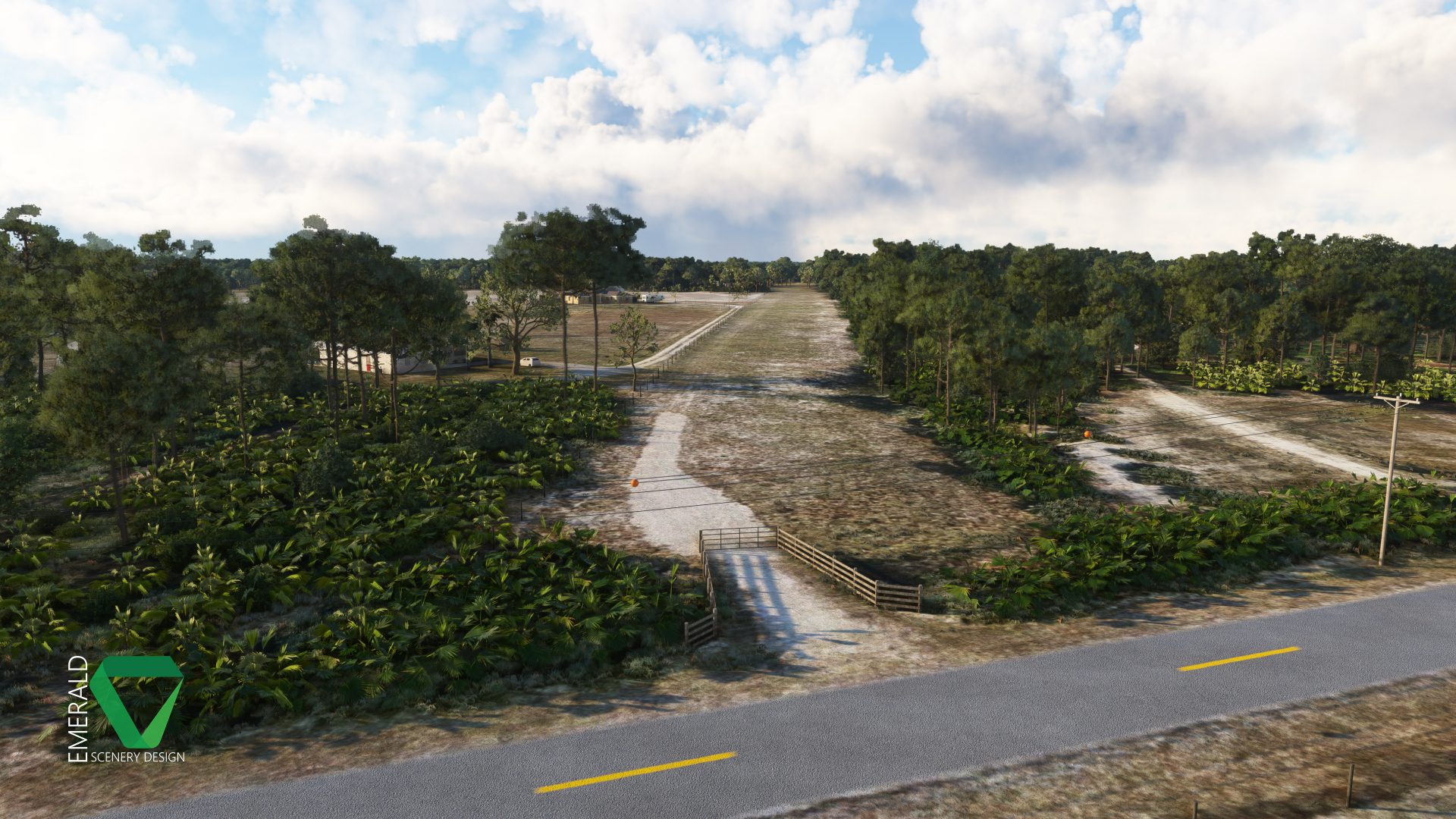
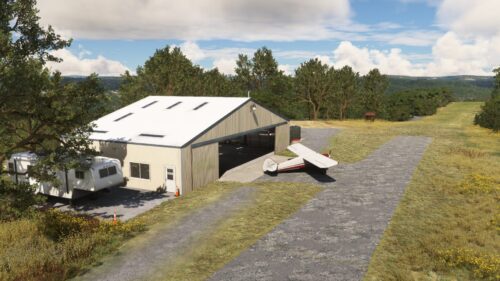
Also included is the private airstrip just to the immediate West of Myakka. This unlisted airstrip is spawnable via two parking spots at Myakka. At just 1600×90 ft (488×27 m), this more confined and less maintained runway provides a bit more of a challenge. The northern approach end is a bit more confined with several collidable Oak trees. The southern approach is a bit easier with the only obstruction being (marked) powerlines. The hangar at this airstrip is static!
Features
- Two detailed airstrips: Bald Eagle Airfield- Myakka Head and a nearby private airstrip.
- PBR Materials.
- Tiling and Detail Textures for some models, providing higher texture quality and lower memory usage.
- Color-matched 15cm/px aerial imagery.
- Digital Elevation Model with hand-crafted terraforming at 1m/px.
- Collidable obstructions, such as trees and powerlines on each approach!
- Custom environmentals including Weeds, Shrubs, Palmettos, Oak, and Palm Trees.
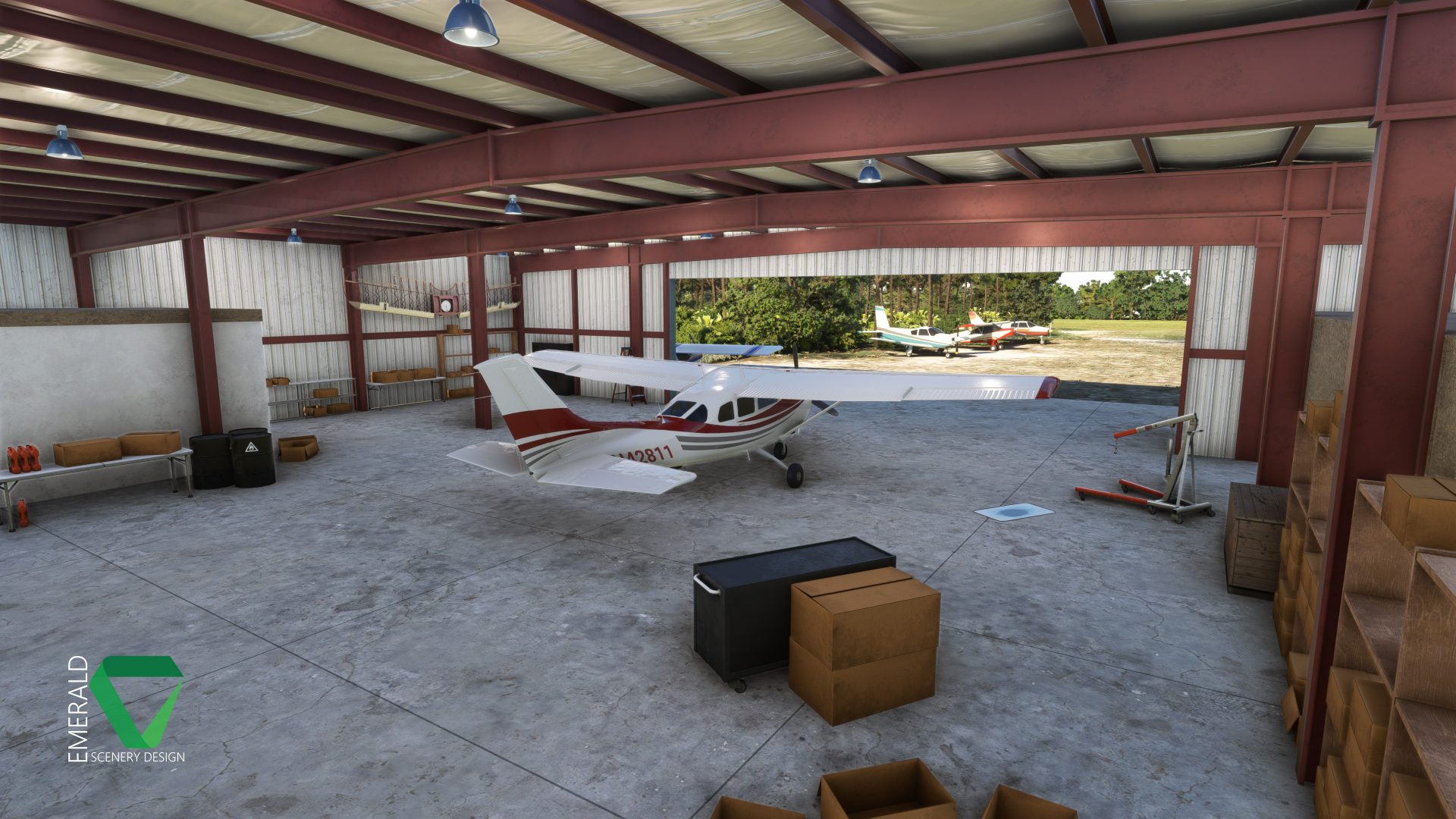
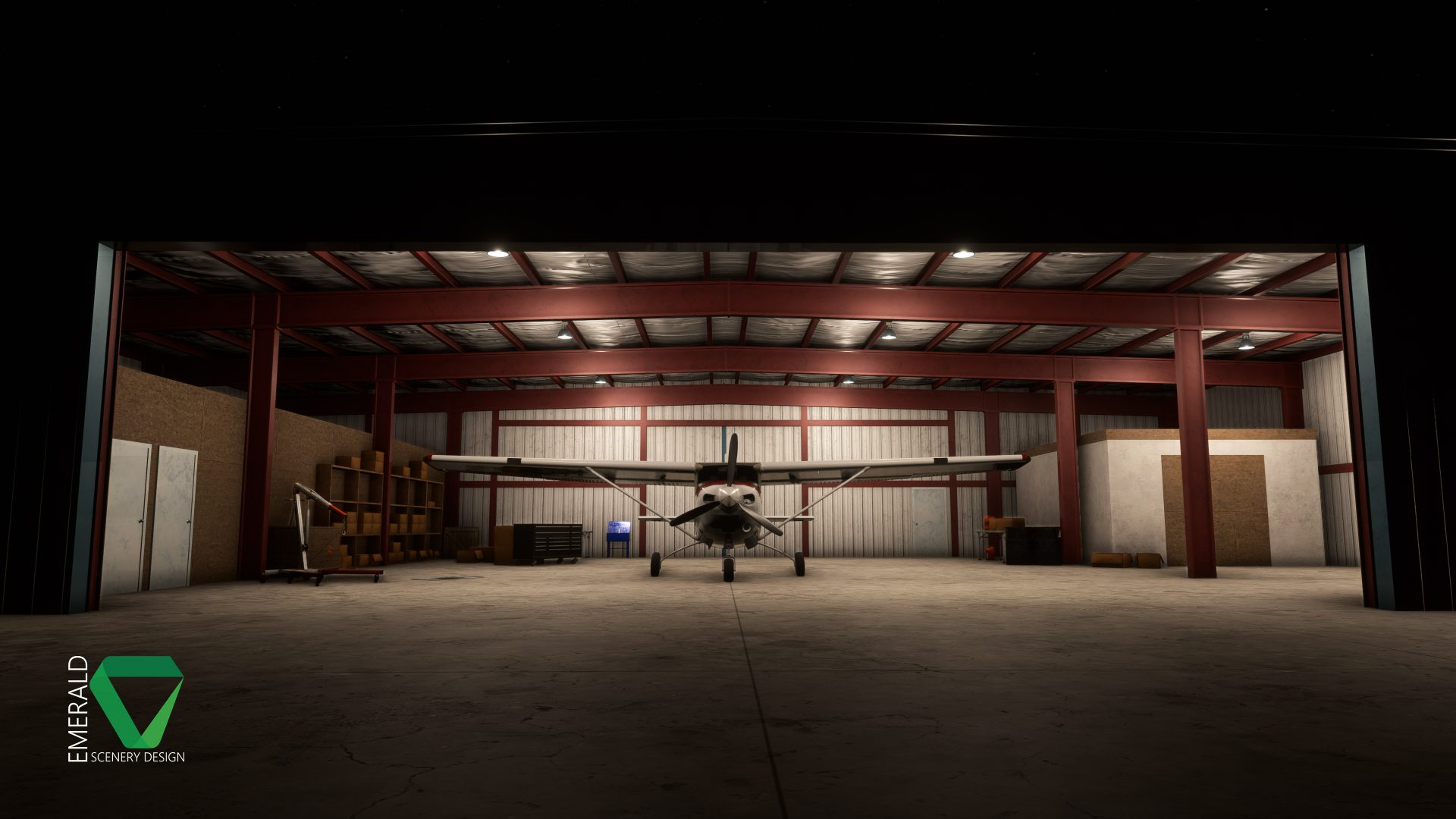
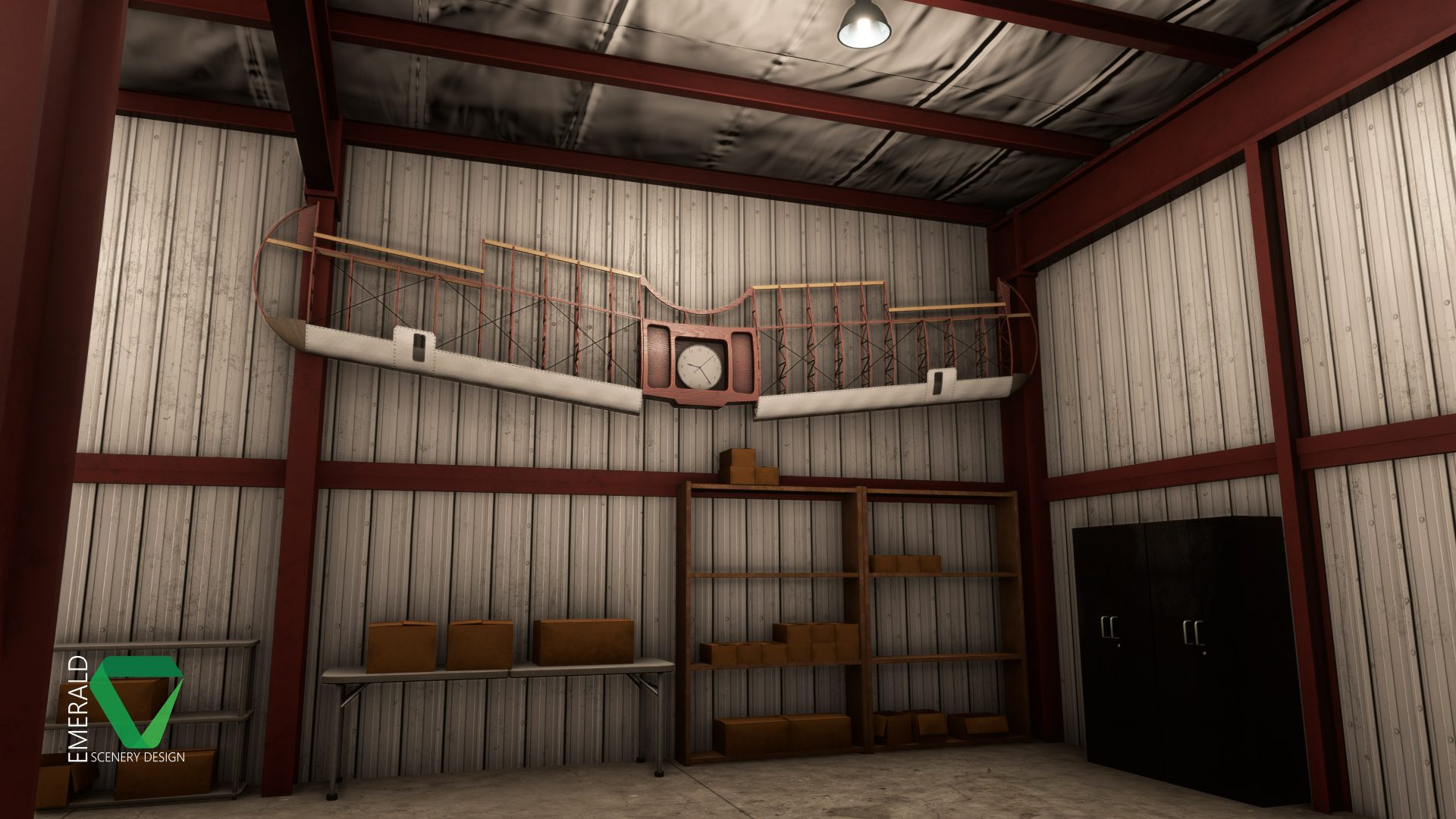
- Custom Hangars with dynamic features, interior modeling, environmental occluder, and parking spawns.
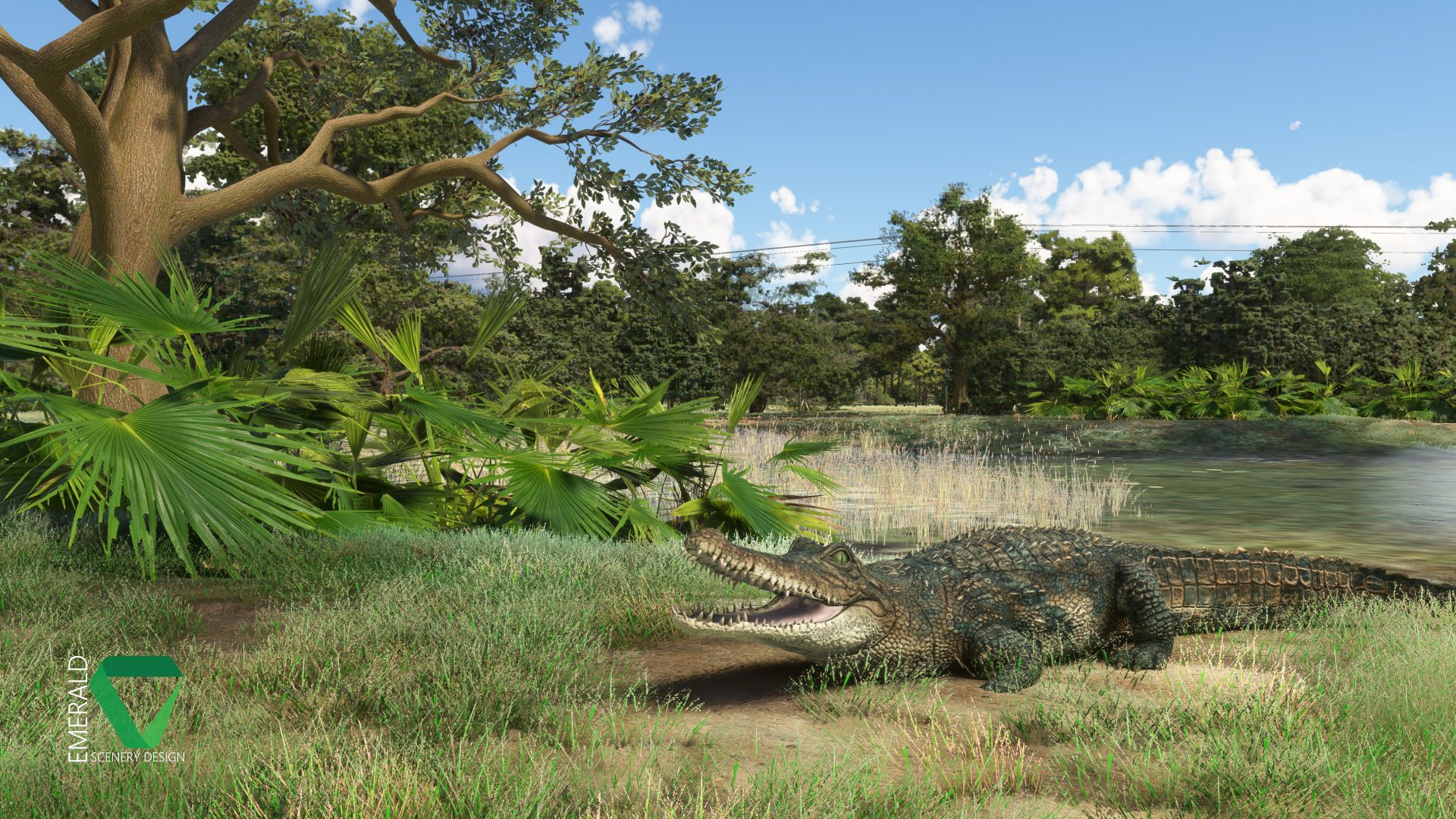
- Custom animated wildlife: Alligator & Wild Boar can be found around the coverage area.
- Dynamic SFX using Wwise.
Dynamic Features
- Hangar Doors – The left and center doors of the Triple Hangar will open or close depending on day of week, time of day, and weather. The right door of the Triple Hangar and door of the Large Hangar are triggered by proximity.
- Hangar Lights – All hangar lights are controlled dynamically. The left and center bay lights of the Triple Hangar will illuminate during Dawn and Dusk, when the doors are open. All other Hangar lights will illuminate during Dawn, Dusk, Night, and when Raining.
- Clock – The Clock in the Large Hangar is fully functional, telling local sim time, and plays ticking SFX (Wwise)!
- Gates – All metal gates throughout the coverage area are triggered by proximity and can be operated by ground vehicles.
- Alligator – Will react if you get too close!
- Birds SFX (Owl) – Audible around the coverage area at Night, but not when Raining.
- Insect SFX (Cicadas) – Audible around the coverage area during the Day, May through July, but not when Raining.
- Windsock/Flag – Animated based on wind speed and direction.
This scenery requires the following library to function correctly:
Emerald Object Library (MSFS 2020)
Supported Sim(s)
MSFS (2020)
File Format
Zip
File Size
262 MB (Compressed), 319 MB (Uncompressed)
September 7, 2025 | v1.0.4
- Excluded Power Transmission Towers that appeared near Runway 18 in SU16.
- Excluded road overlay that was added behind large hangar in SU16.
- Fixed Wwise sounds being highly dominant in one ear depending on where the emitter is located in 3D space (hard panning).
June 22, 2025 | v1.0.3
- Adjusted scale of runway stripes to better match roller width.
- Cleaned up XML code for Left and Center triple hangar doors (removed useless tag which caused issues in 2024).
- Fixed Left and Center triple hangar doors not opening on the correct days of the week (also corrected lights to match).
May 18, 2025 | v1.0.2
- Added additional clutter around Myakka’s hangars to better match the MSFS 2024 representation.
- Fixed an issue where user-triggerable hangar doors might not trigger correctly in some instances.
- Fixed missing SFX near Beehives.
- Removed the runway at the unlisted airstrip as it is no longer needed for compatibility with MSFS 2024.
- Repositioned several aircraft near the large hangar to match the MSFS 2024 representation.
- Reverted SimObjects to call needed templates directly instead of common.xml, as it was loading unnecessary templates.
December 11, 2024 | v1.0.1
- Forward Compatibility Improvements for MSFS 2024: Fixed incorrect vegetation types, fixed trees spawning around the lake shore, added a runway object for the neighboring dirt runway to smooth out secondary heightmap bumps (36L/18R), excluded water added over a grassy area near the 36 end of Myakka’s runway.
September 12, 2024 | v1.0.0
- Initial Release
We try our best to keep a running list of known issues involving limitations or conflicts when discovered. If possible, fixing these issues are our top priority. However, please note that the majority of these may be out of our control.
- Little Nav Map As LNM cannot read encrypted files, Bald Eagle Airfield- Myakka Head will not show up on it if purchased from the Marketplace! [Limitation – Not likely to be fixed]
Only logged in customers who have purchased this product may leave a review.
You can find PDF documentation for this addon at the following link:
View Documentation & EULA

Reviews
There are no reviews yet.