
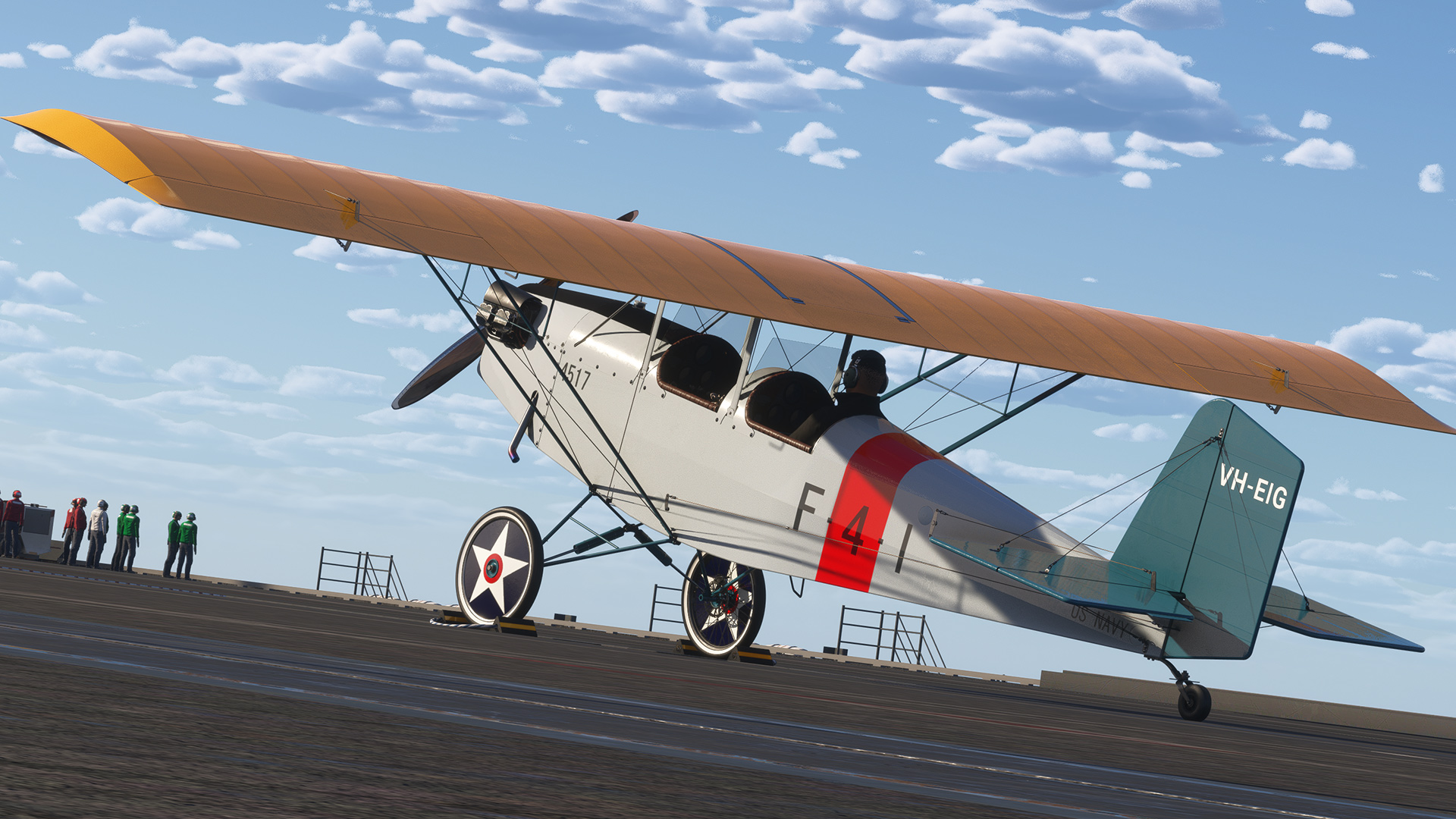
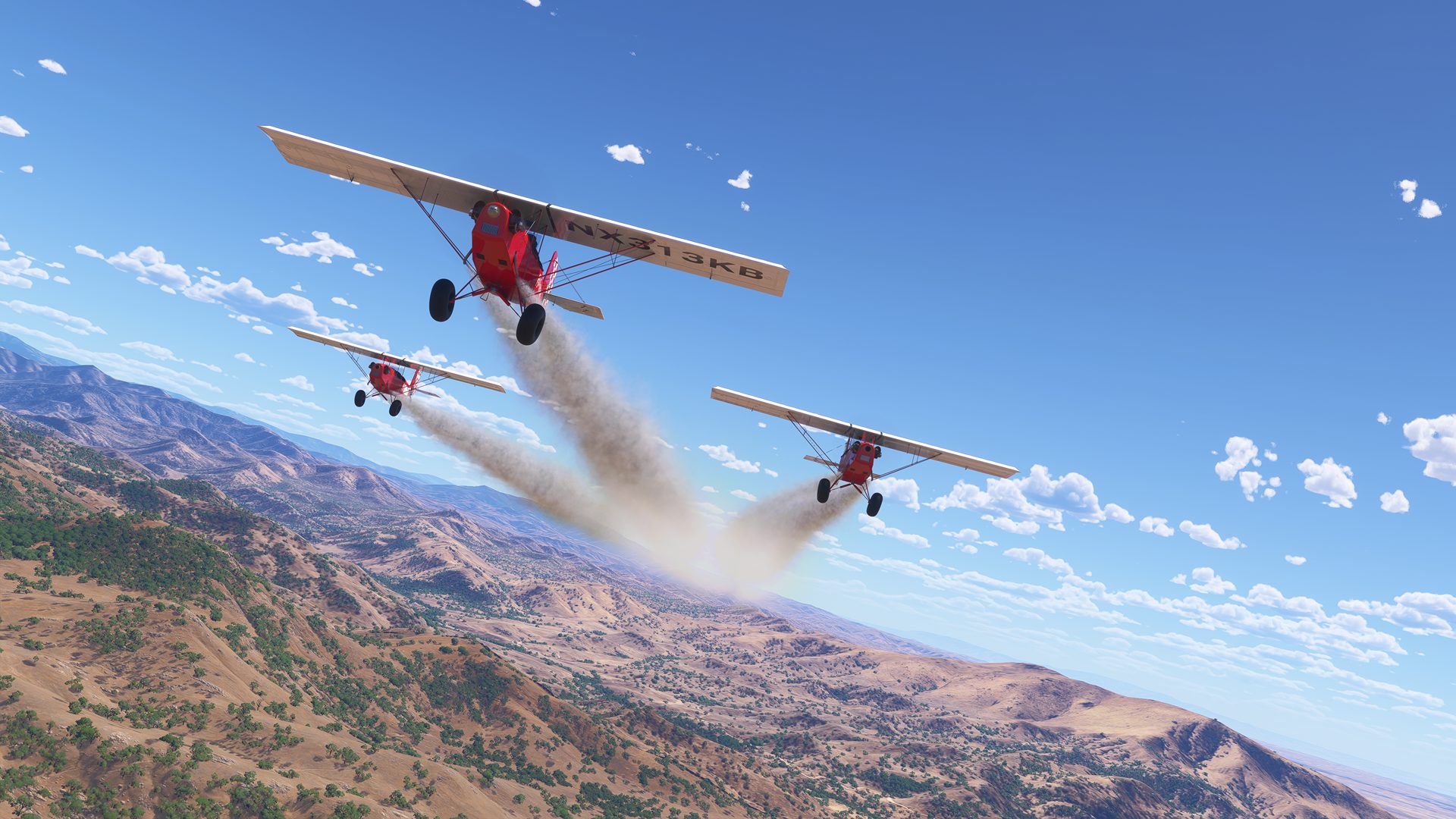
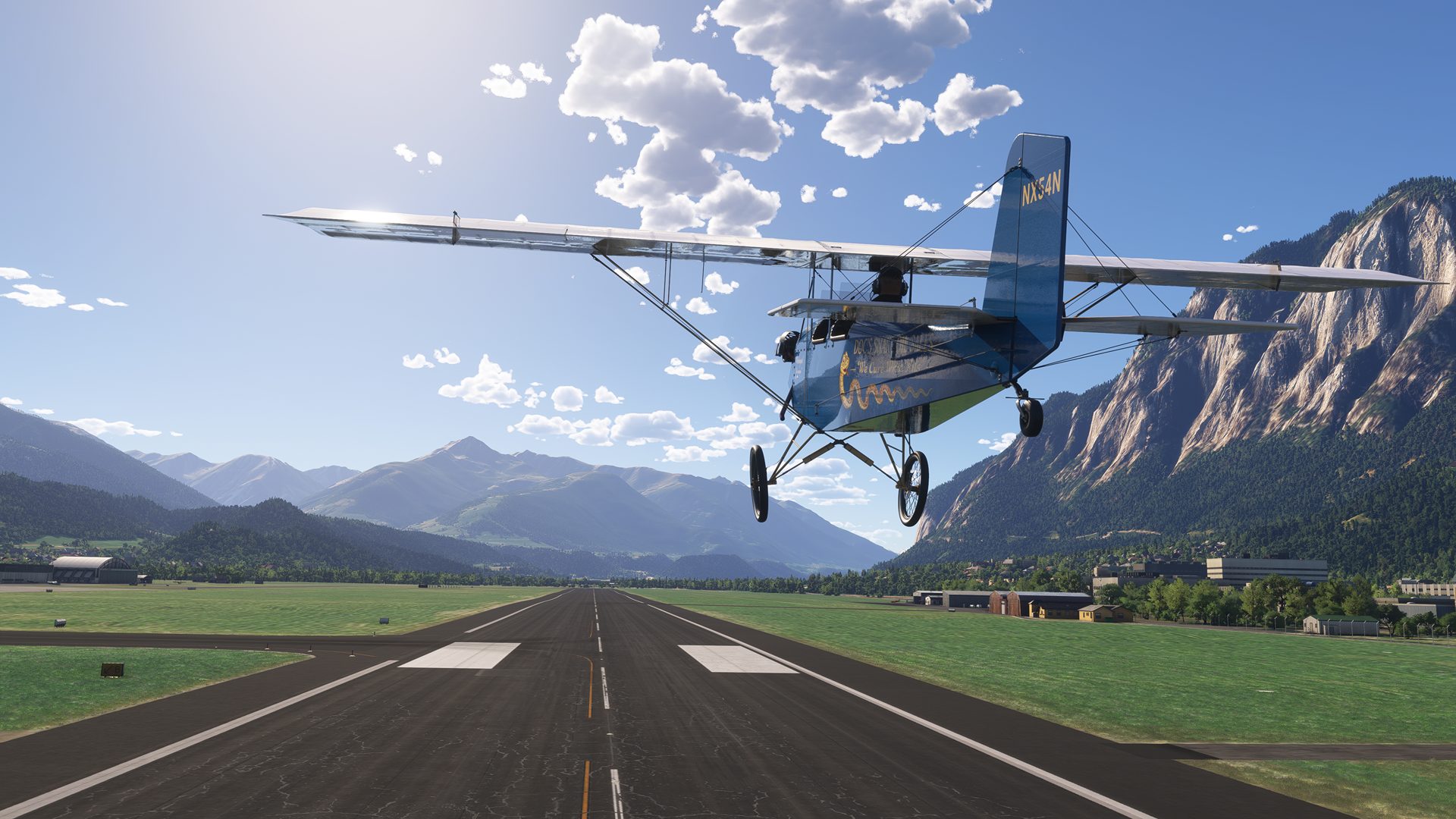
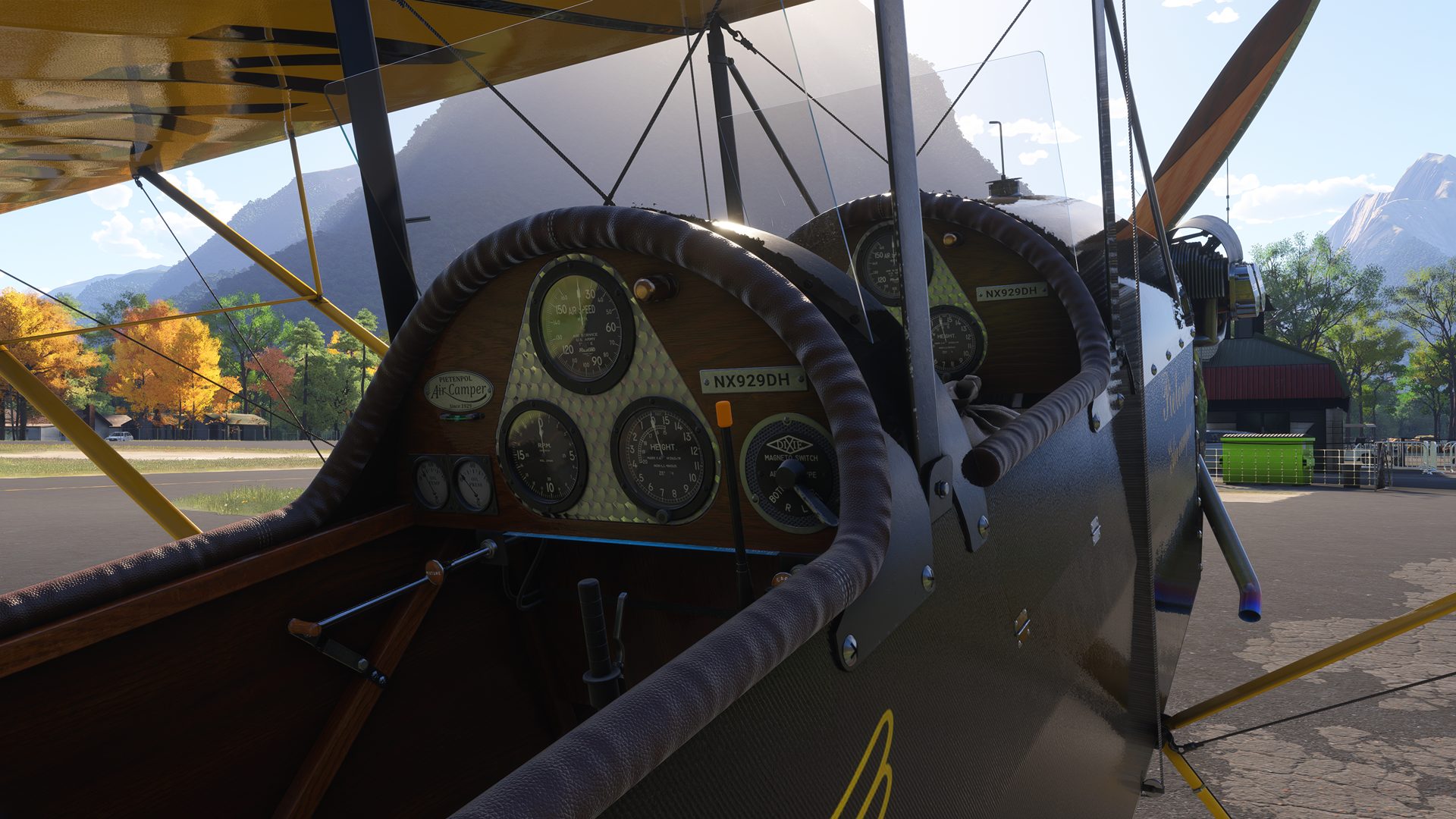
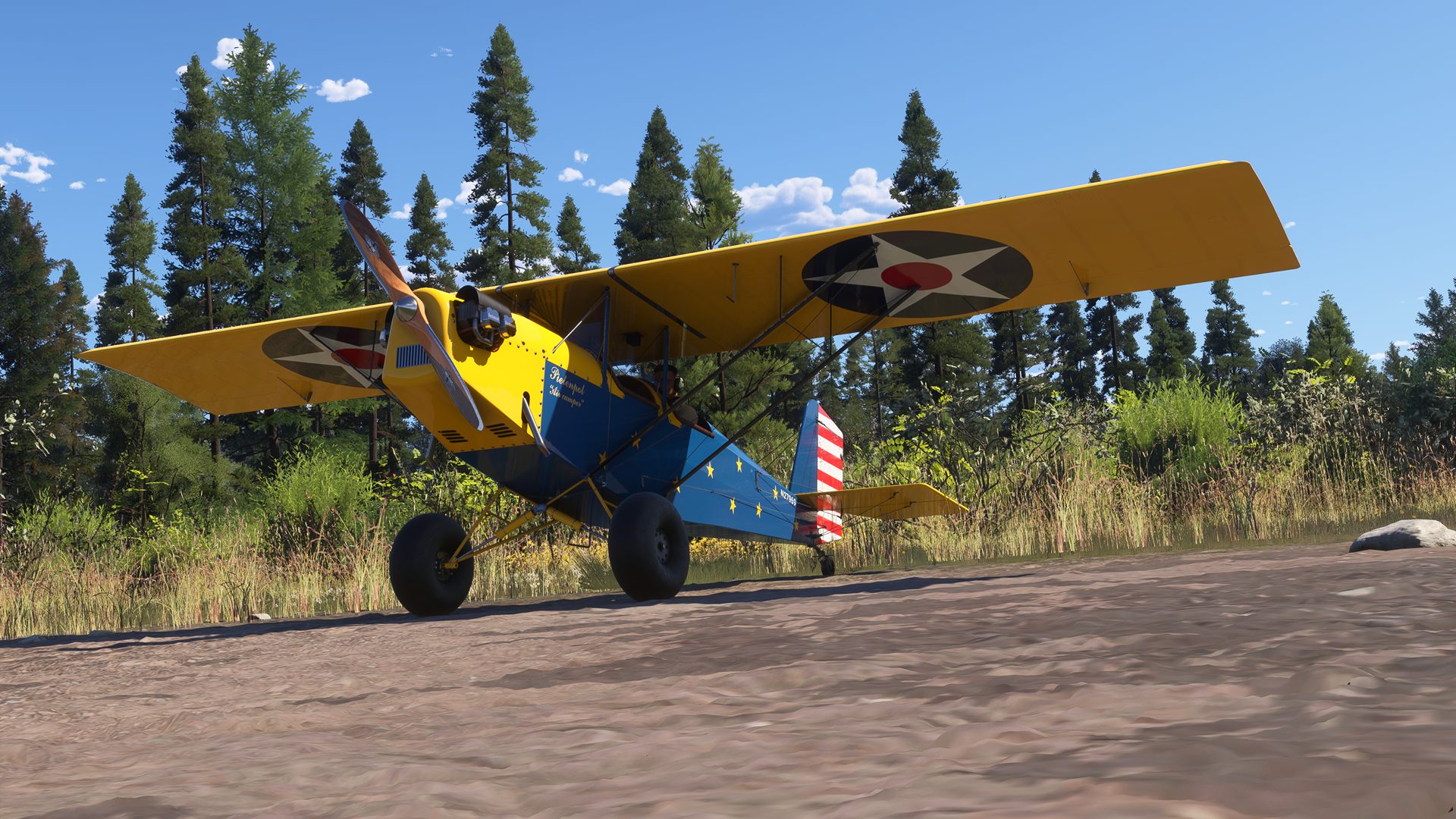
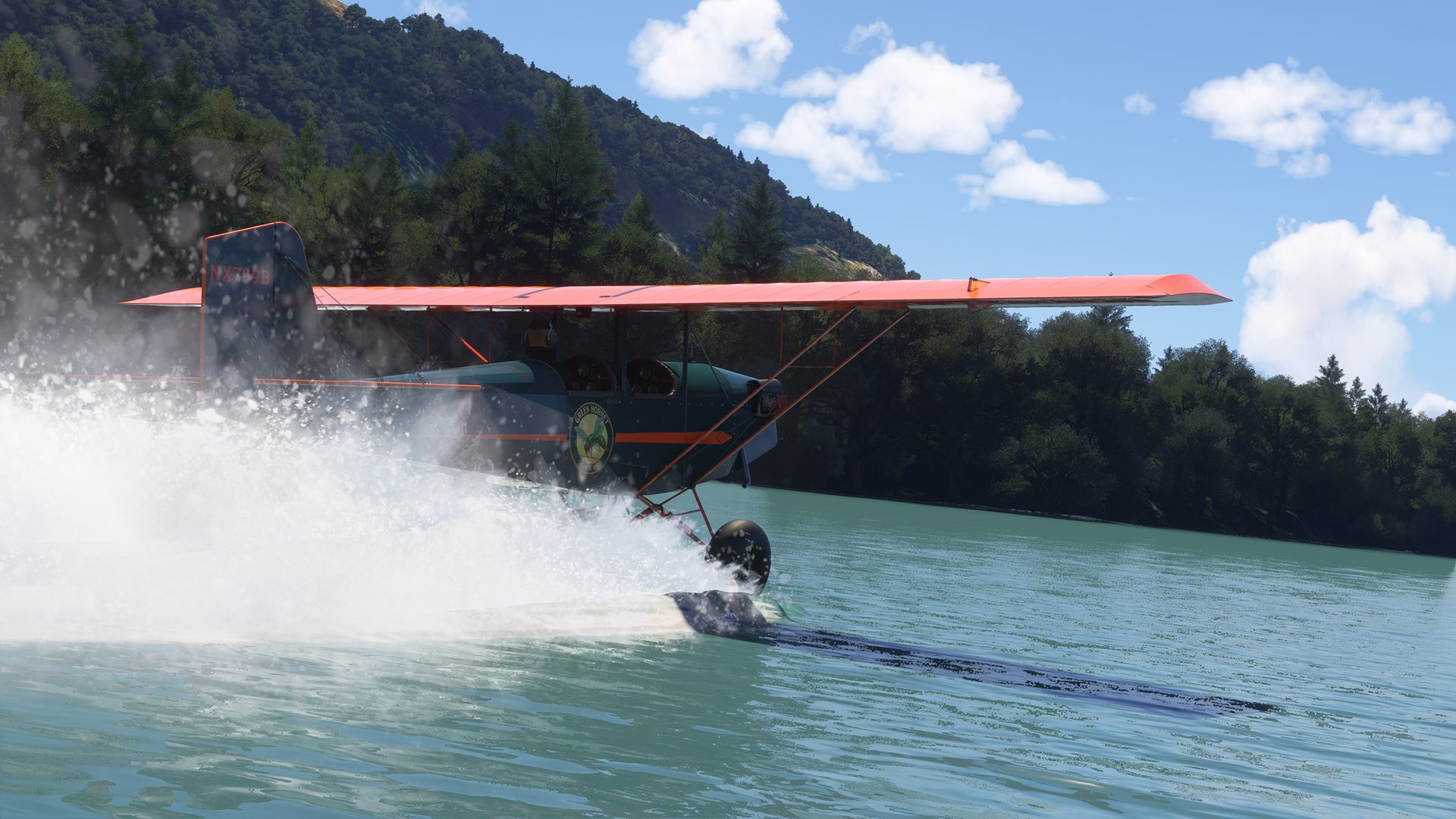
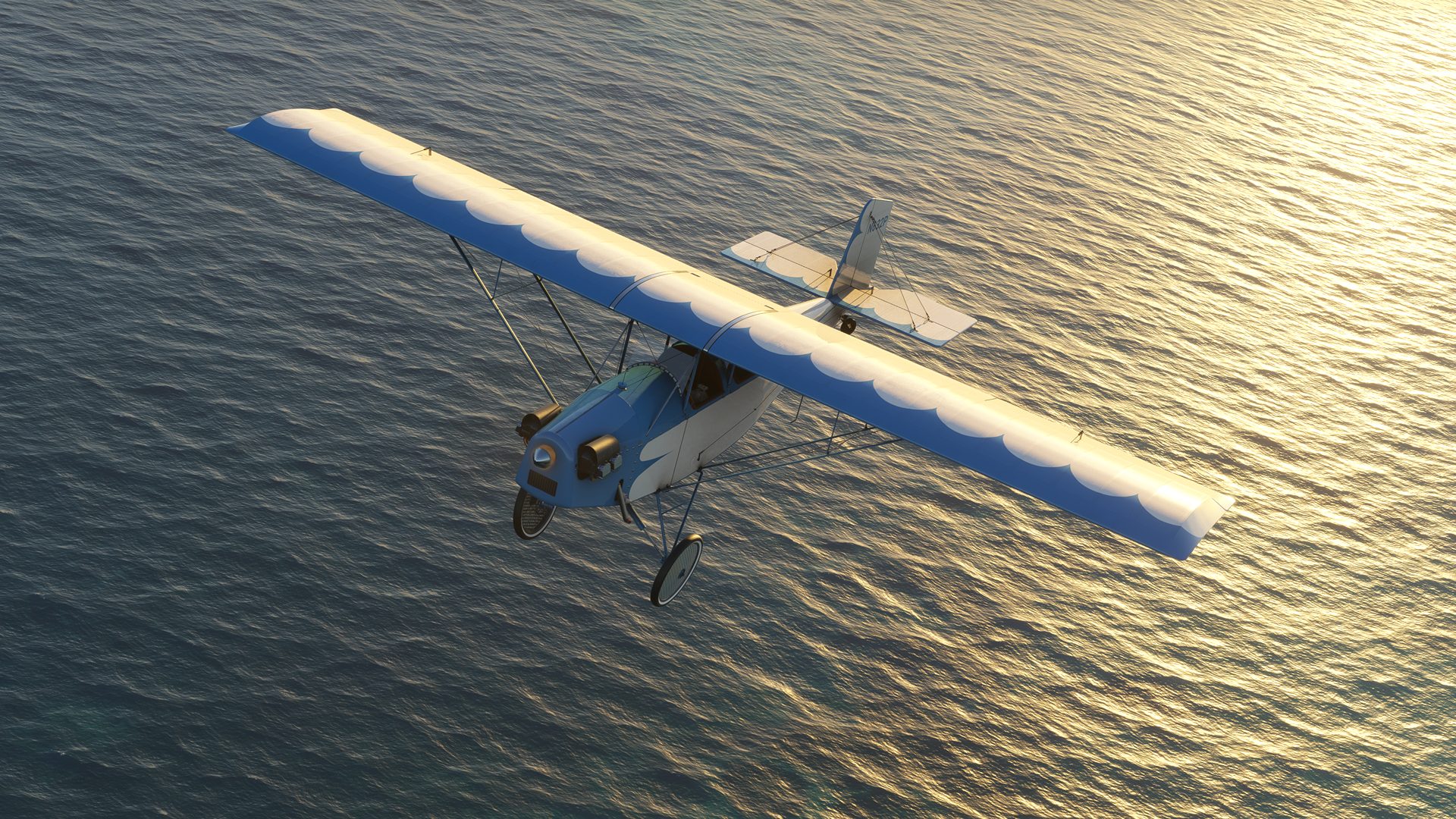
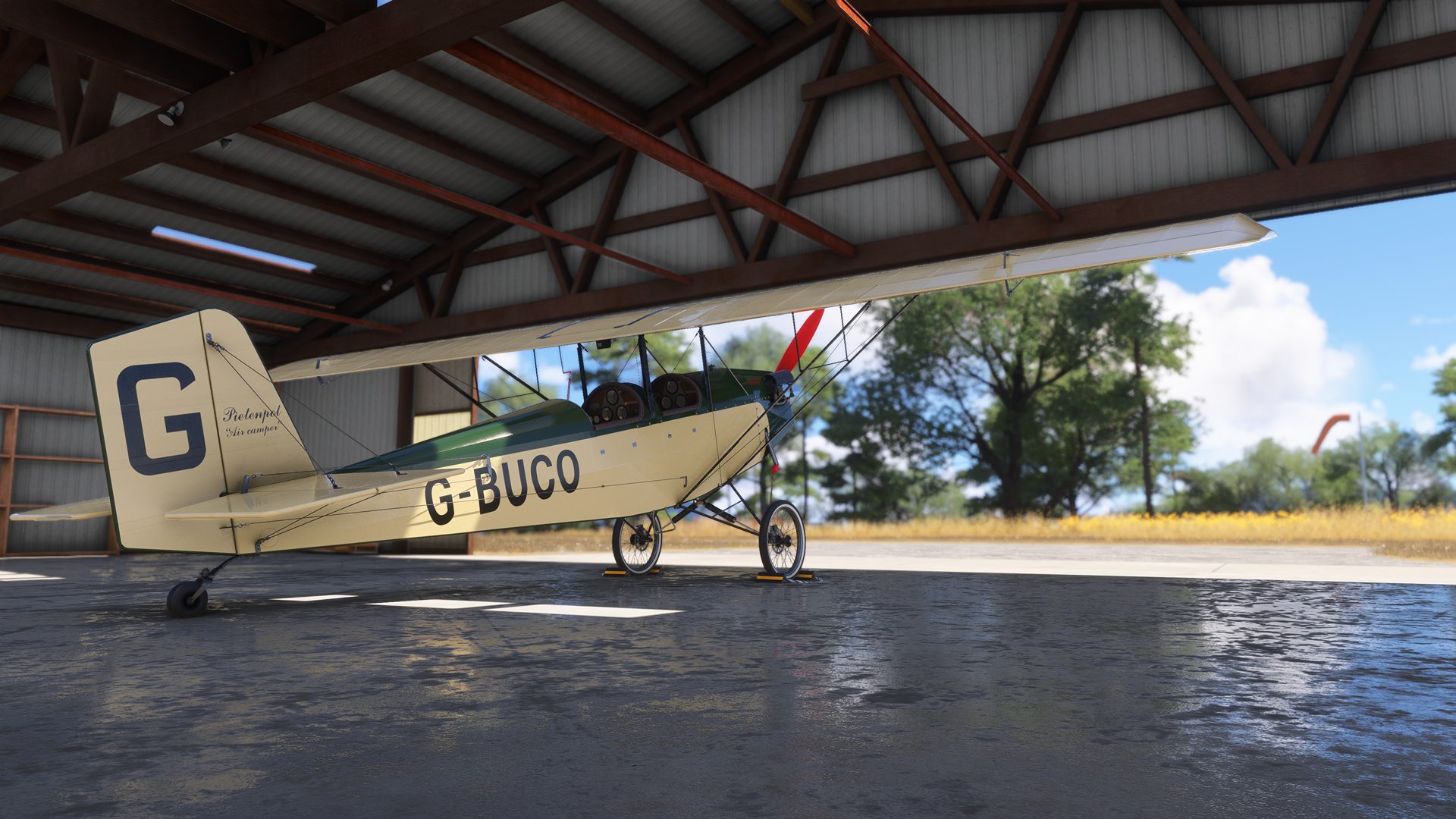
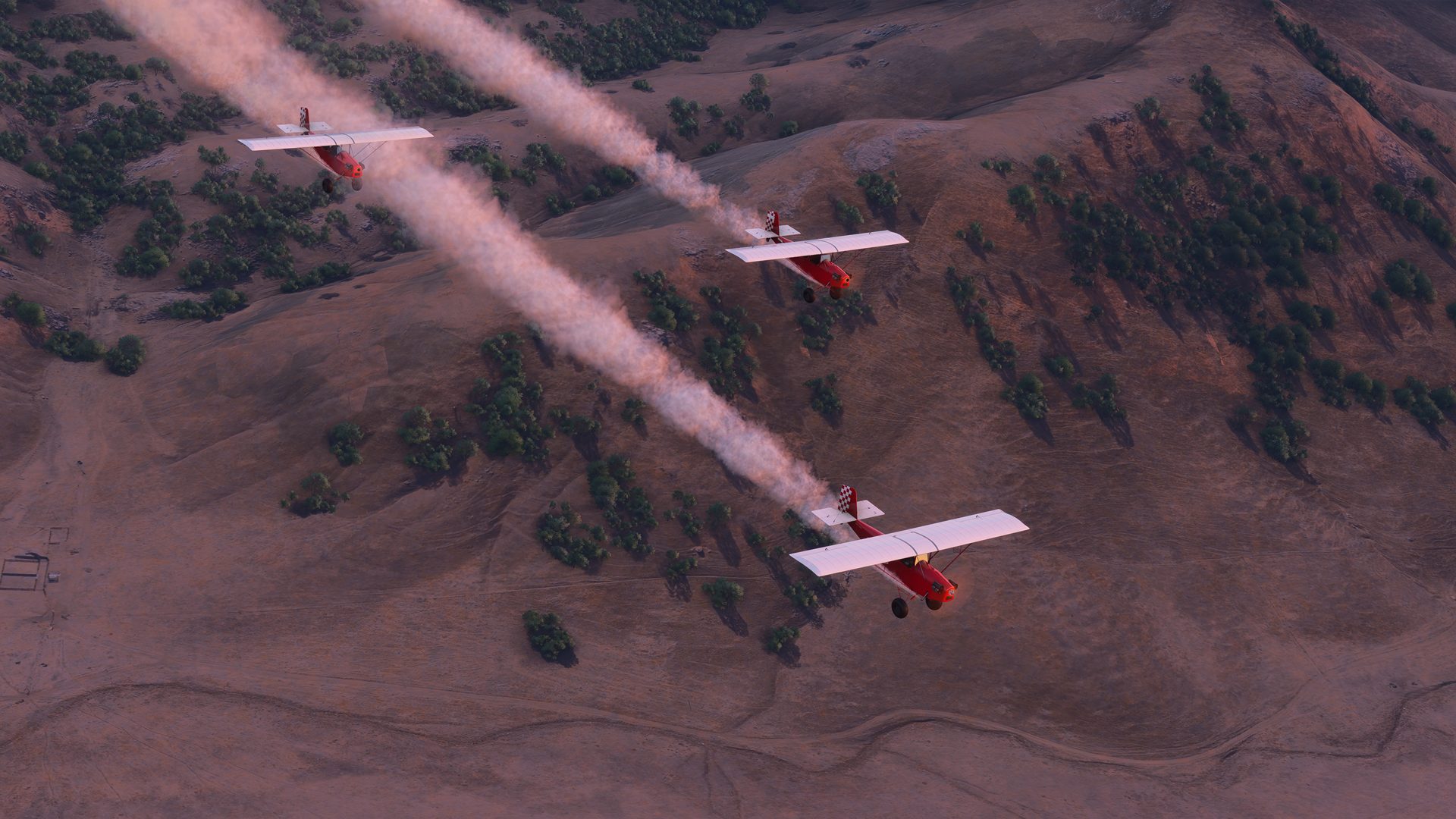
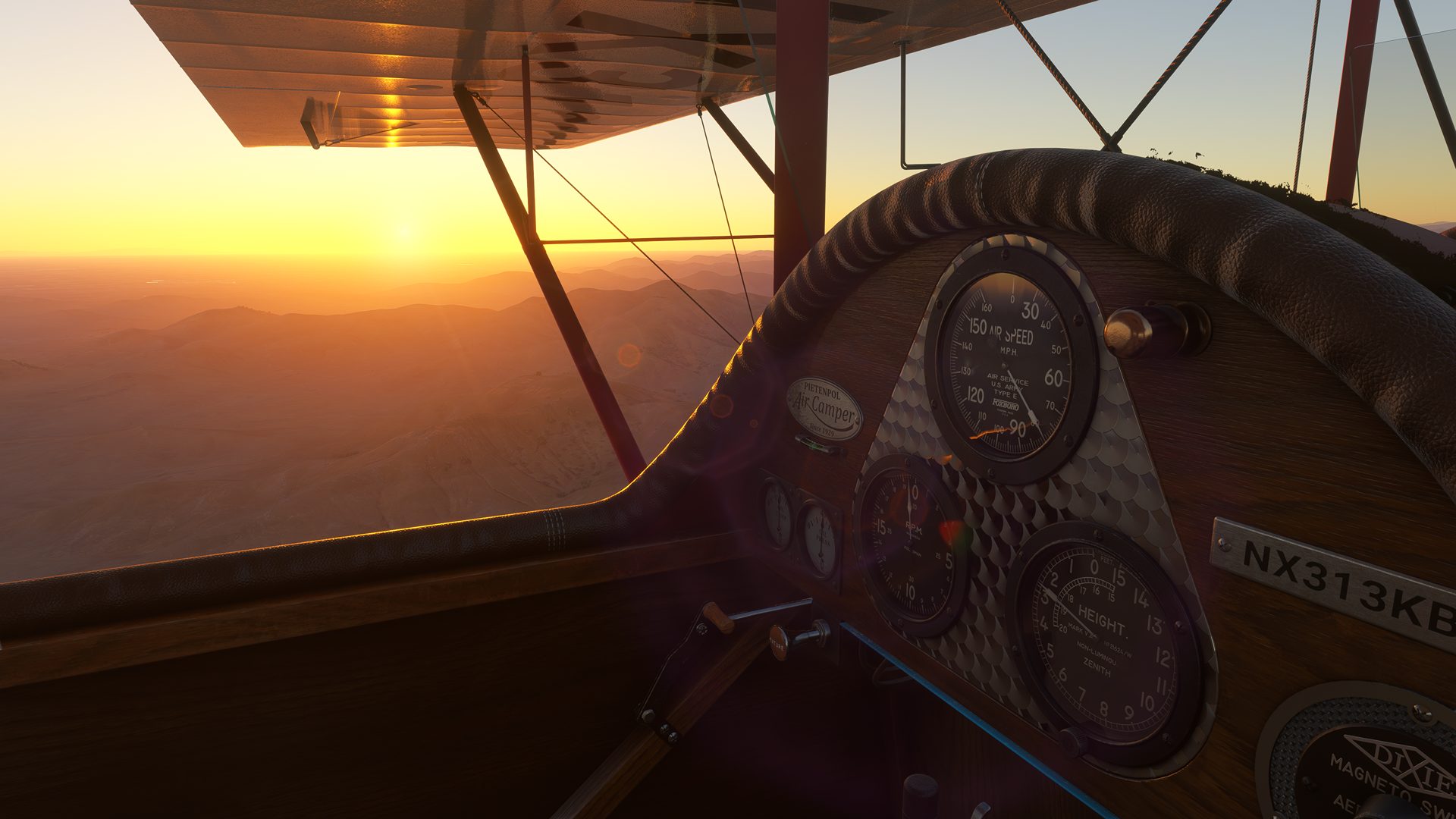
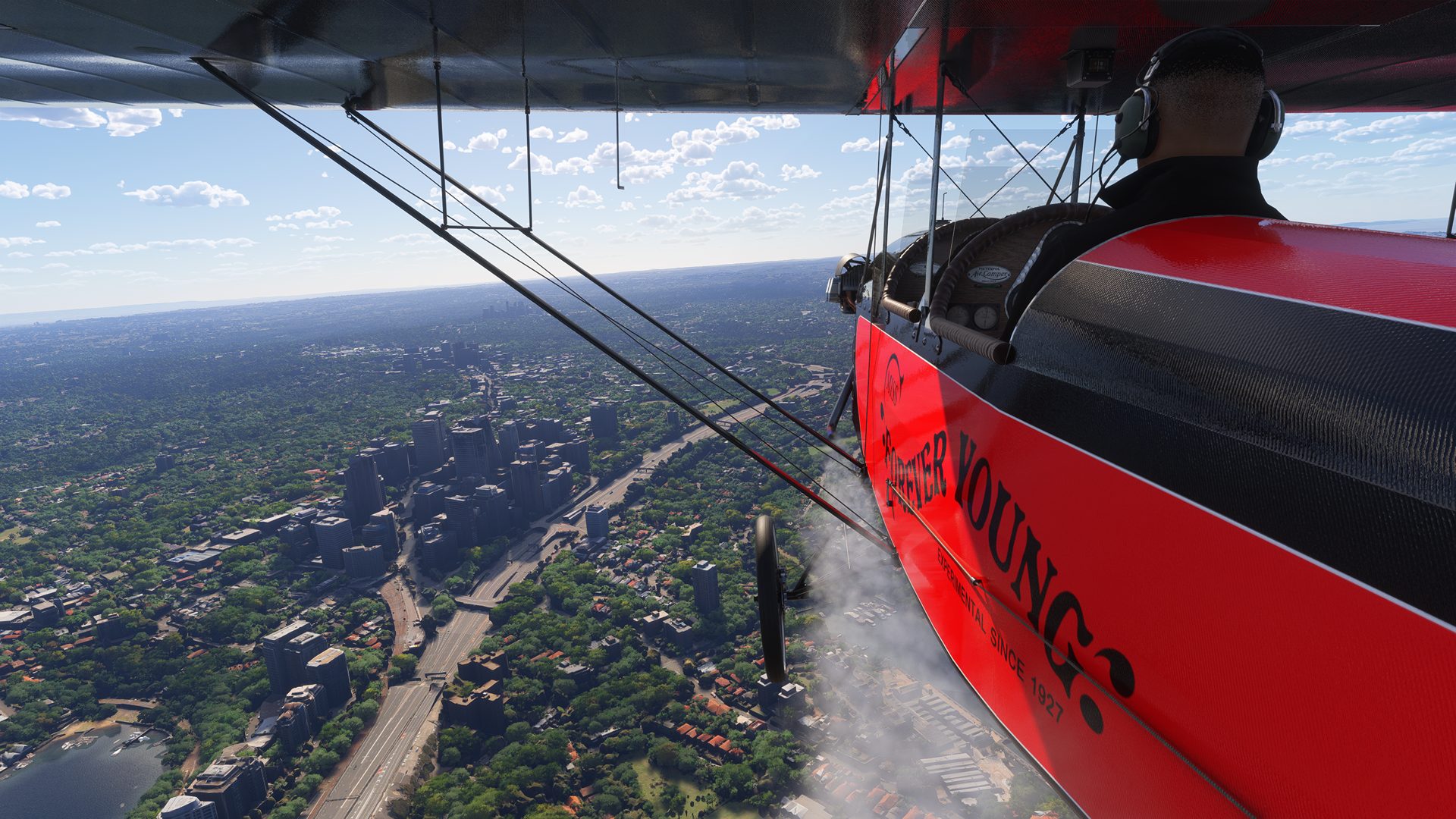
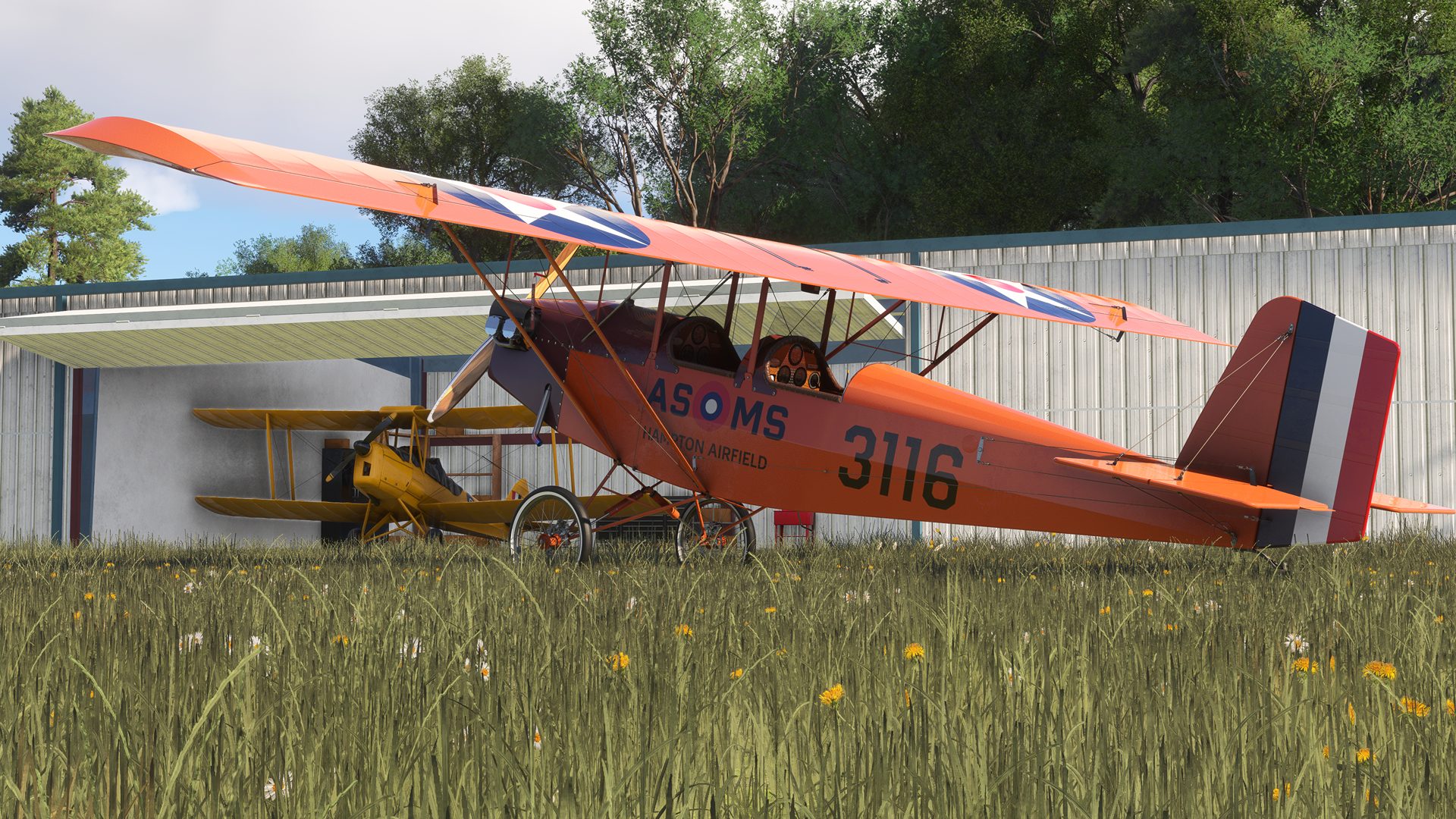
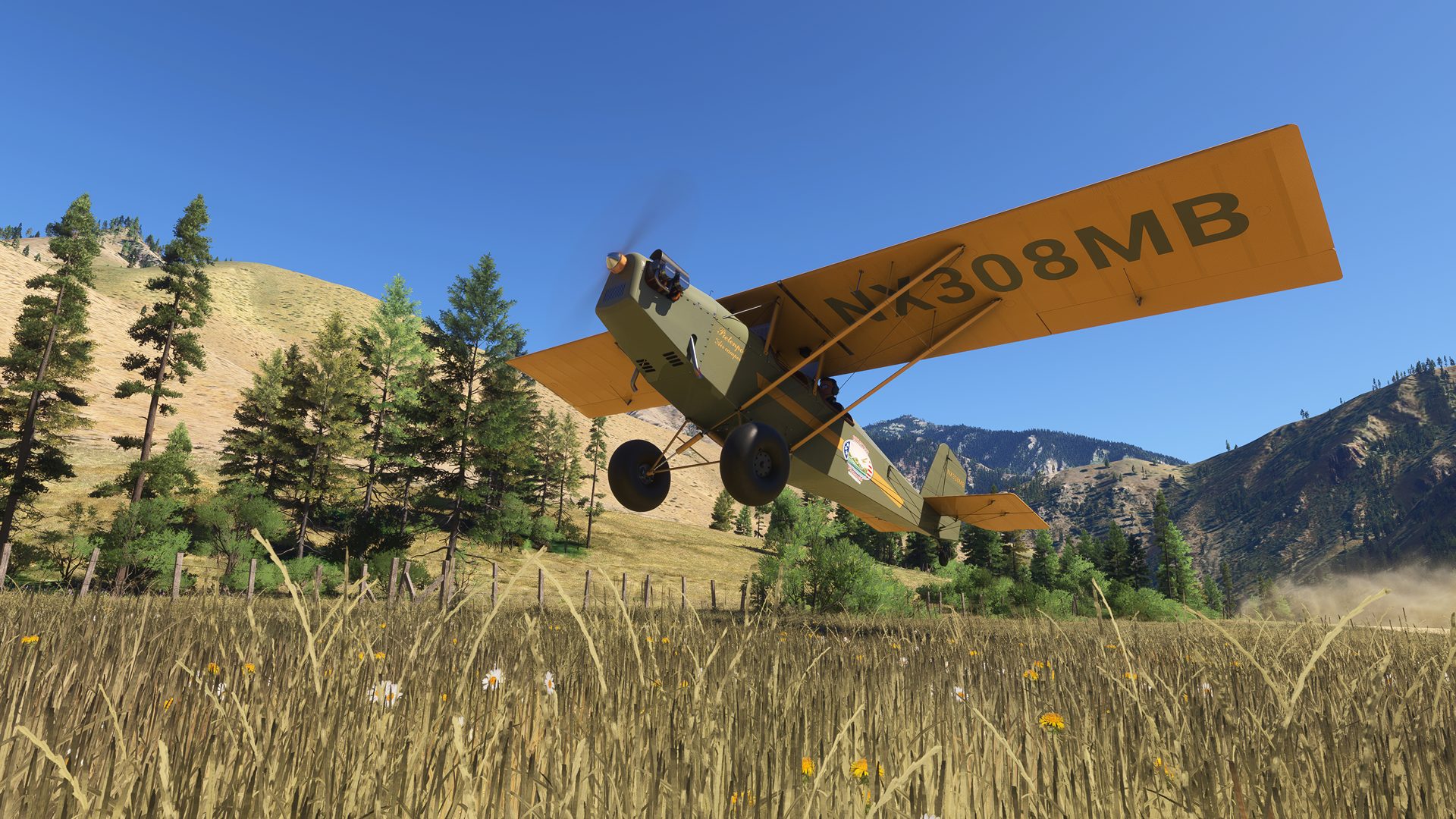
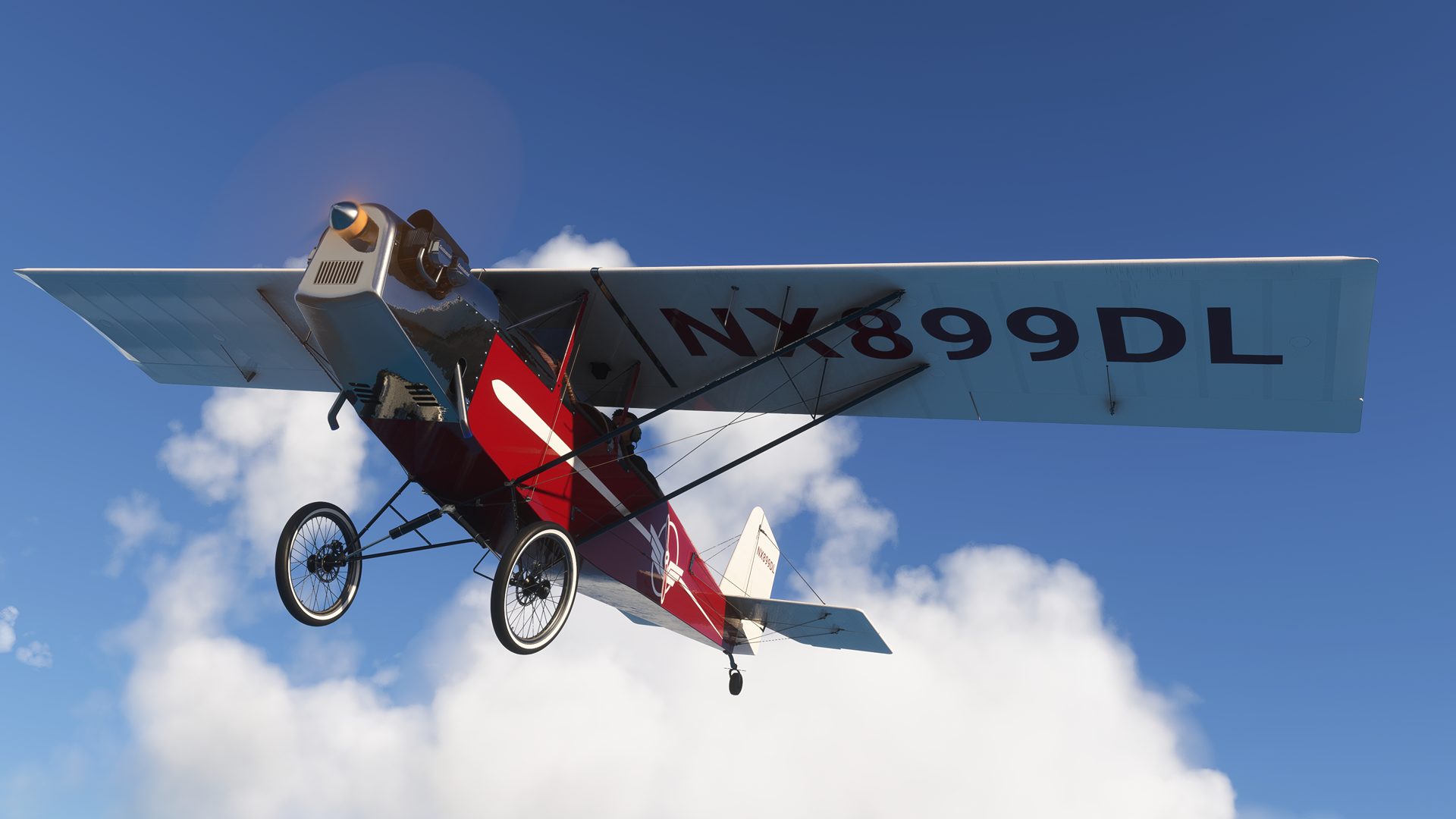
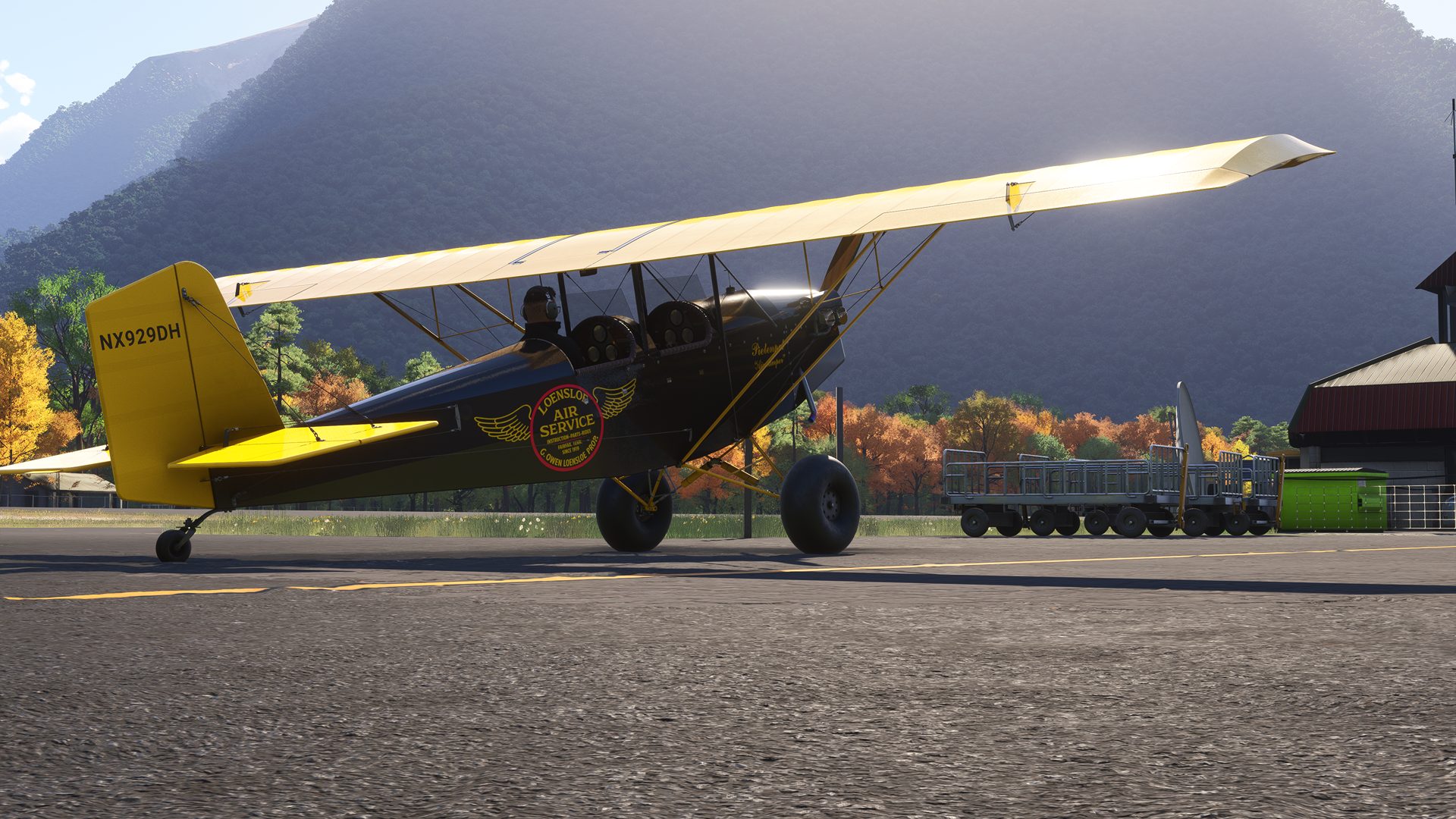
Experience the charm and class of flying the legendary 1930s-era Pietenpol Air Camper. This timeless homebuilt aircraft is one of the few parasol-wing designs available in Microsoft Flight Simulator 2024. Its iconic open-cockpit layout and high-mounted wing, supported entirely by external struts, provide breathtaking panoramic views that few general aviation aircraft can match. Designed with simplicity and practicality in mind, the Pietenpol Air Camper is constructed primarily from wood and fabric, making it one of aviation’s most enduring and accessible homebuilt aircraft. For generations, it has inspired builders around the world to achieve the dream of aircraft ownership with a design that can be crafted in their own workshop.
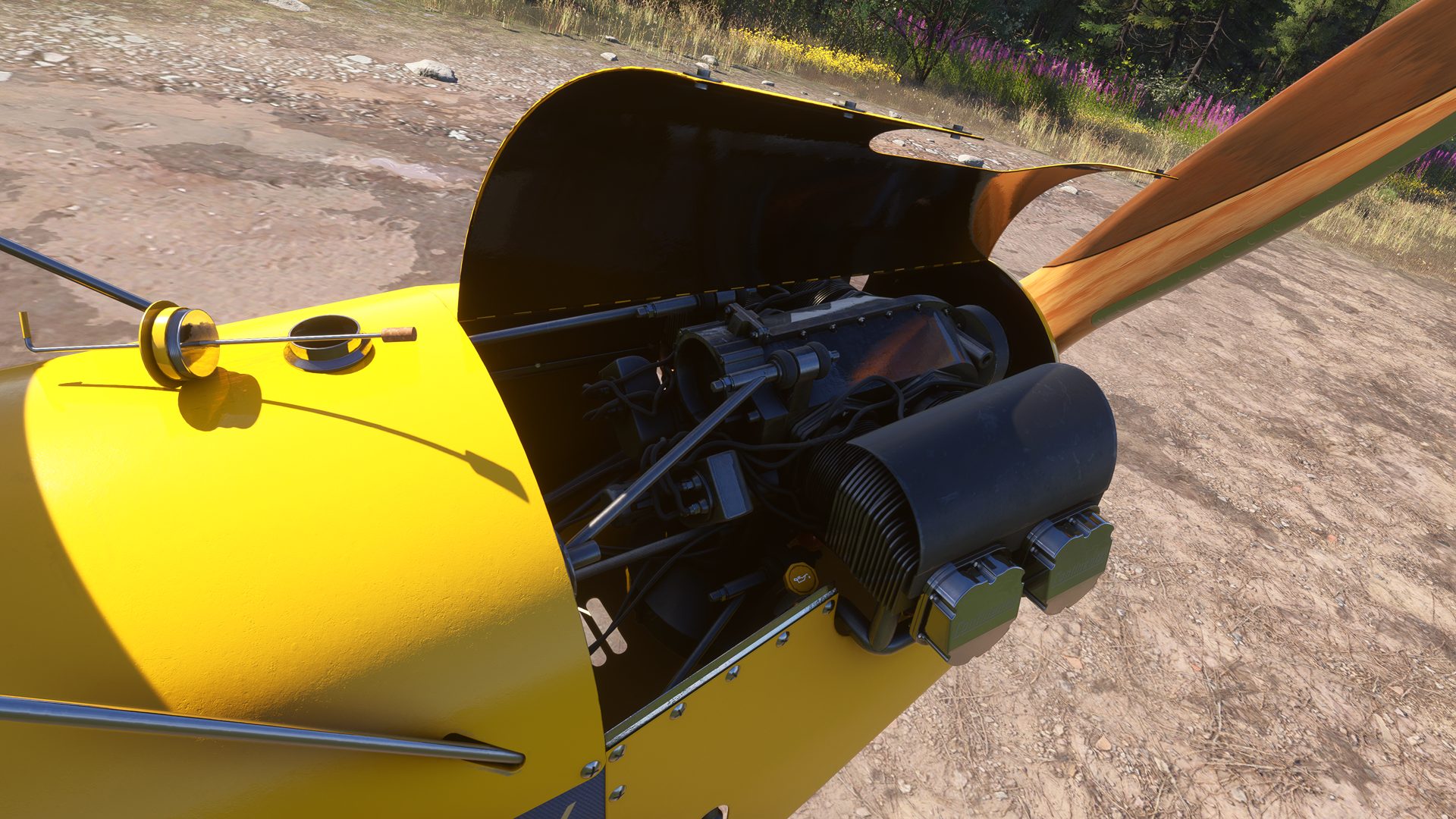
Our recreation of the Pietenpol Air Camper was made possible through the support of close friends and enthusiasts who provided invaluable real-world reference material, including a high-resolution 3D scan of an original aircraft and authentic recordings of a Continental A65 engine. The result is a simulation that faithfully captures the personality and charm of a genuine Air Camper. Step into a beautifully crafted cockpit featuring tastefully aged wood finishes, choose from 14 meticulously recreated real-world liveries, and enjoy a finely tuned flight model refined through feedback from multiple real-world pilots. Combined with an exceptionally detailed soundscape built from authentic recordings, this aircraft delivers an immersive vintage flying experience unlike any other.
Features
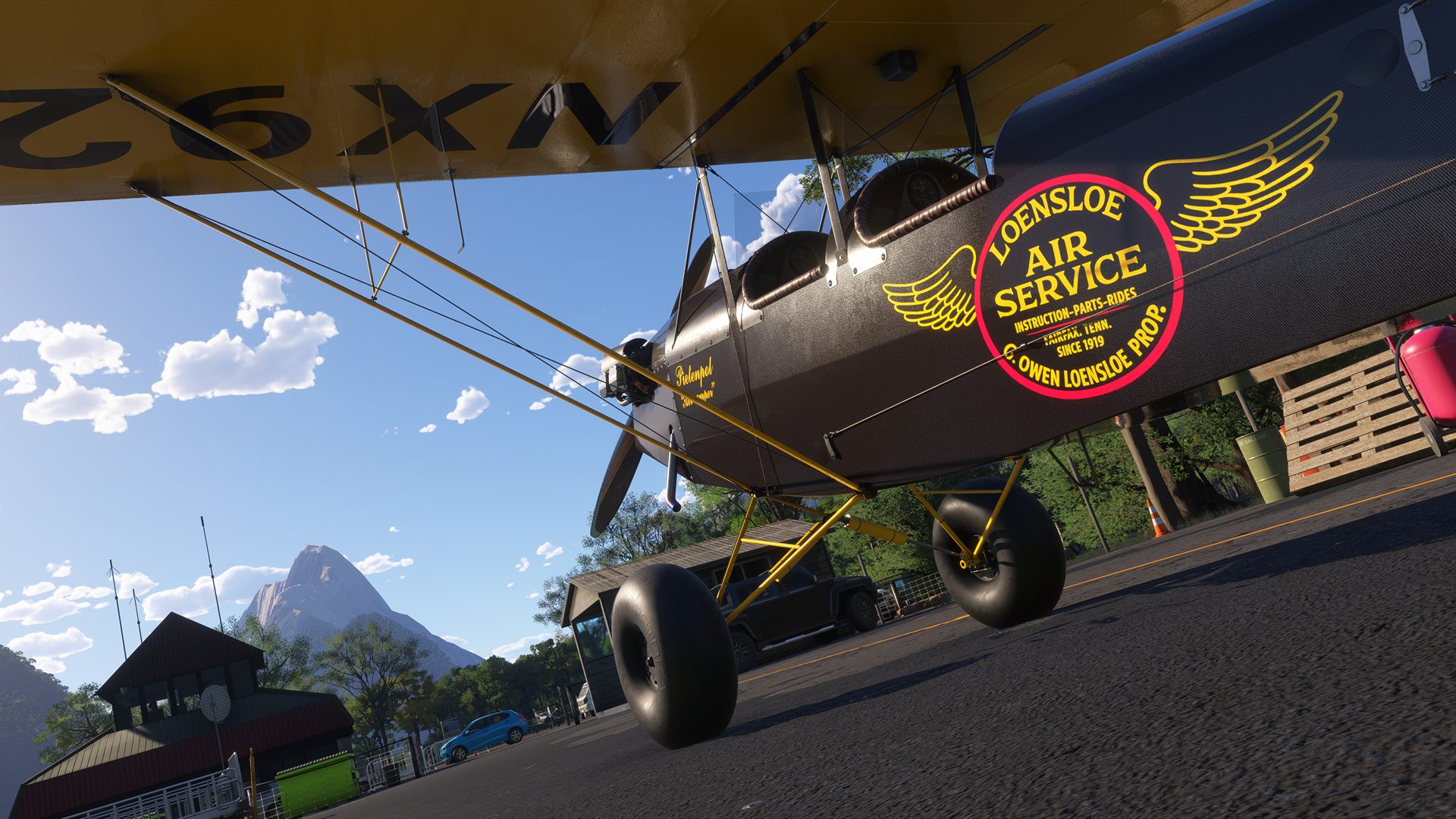
- A highly detailed 3D model built from real-world 3D scan data, featuring both classic and bush wheel variants.
- 14 hand-crafted liveries based on real Pietenpol paint schemes.
- Native MSFS 2024 CFD flight model, refined using feedback from multiple real-world pilots.
- Hand-crafted Wwise sound package featuring real Continental A65 engine recordings, including custom foley.
- Physics-based sounds including impulse coupler, slip drag rumble, and backfires.
- Custom hand-prop start physics, including interactive cockpit controls while in Avatar mode.
- Automatic preflight cover removal during auto-start, for quality of life.
- Physics-based fuel slosh and gravity-reactive doors, plus camera motion, vibration, and buffeting effects with adjustable intensity.
- Optional engine realism featuring priming, overpriming, throttle-assisted depriming, and carburetor heat thermodynamics.
- Realistic propeller drag, windmilling resistance, and a breakable, repairable propeller.
- Generator-driven panel lighting with realistic low-voltage dimming.
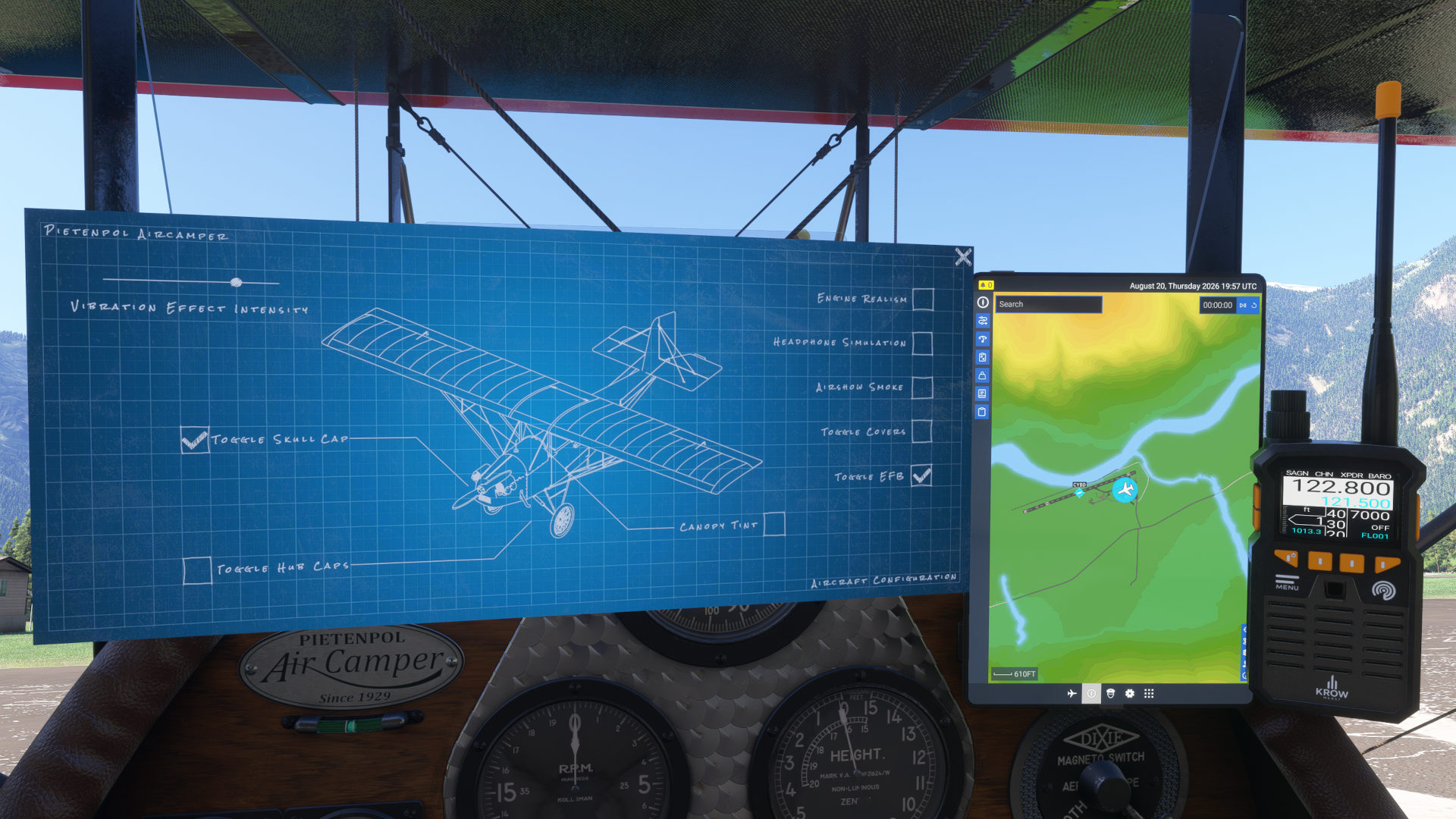
- Optional features include: Engine realism, headphone simulation, multiplayer airshow smoke, hubcaps (classic variant), prop-spinner (skullcap), tinted glass, and mounted EFB tablet support. Some options are persistent.
- Career support for First Flight, Ferry Flight, Flightseeing, and Light Cargo missions (Marketplace copy only).
- Native passenger and custom visual cargo (Airmail) loadout support.
- Quality of life autopilot support for keybinds & external tools like PMS50 (premium version).
- Hand-held Communications Radio TX/RX with transponder for use on virtual networks like Vatsim, Pilot Edge, and IVAO.
- Hydroplaning/water-skiing capability for bush tires.
- 2D/3D Paint kit available from the Emerald Scenery Design website.
Supported Sim(s)
Microsoft Flight Simulator 2024
File Format: Zip
File Size
1.00 GB (Compressed), 1.99 GB (Uncompressed)
September 11, 2026 | v1.1.0
- Added click spot to show EFB Tablet.
- Added keybind support for: SMOKE OFF, SMOKE ON, SMOKE SET, SMOKE TOGGLE, ENGINE PRIMER, TOGGLE PRIMERS, TOGGLE PRIMER 1, FUEL VALVE OFF, FUEL VALVE ON, SET FUEL VALVE, SET ENGINE 1 FUEL VALVE, TOGGLE ALL FUEL VALVES, TOGGLE ENGINE 1 FUEL VALVE, TOGGLE FUEL VALVE, ANTI_ICE_OFF, ANTI_ICE_ON, ANTI_ICE_SET, ANTI_ICE_SET_ENG1, ANTI_ICE_TOGGLE, ANTI_ICE_TOGGLE_ENG1, PANEL LIGHTS OFF, & PANEL LIGHTS ON.
- Added stall buffet sound.
- Added wind volume control to blueprint (persistent).
- Adjusted mix of wind sounds and increased max volume.
- Carb Heat is now mapped to the Spoiler Axis (L:CarbHeat is still usable for external mapping).
- Carb Heat tooltip value now displays a percentage vs. Off/On.
- Carb icing will now reset when on the ground with the engine off, when using slew, or when Engine Realism is toggled off.
- Fixed broken tooltip on radio focus button.
- Fixed control sticks not animating in multiplayer.
- Fixed Magneto mouse drag interaction inverted (dragging left turned switch right).
- Fixed mail bags not displaying when cargo weight exceeds 34 lbs.
- Fixed primer tooltip value sometimes not showing “Ready” with Engine Realism turned off.
- Fixed pulled UVs causing AO issues on LOD1 of pilot’s panel.
- Fixed radio select interactions in Legacy interaction mode (added ability to left click to select).
- Fixed sounds and improved interaction feedback for radio buttons 1-4.
- Fixed tooltip description for blueprint Remove Covers option not displaying when engine is running.
- Fixed VR hand controller support not working.
- Improved hand-prop click and drag while in legacy interactions mode.
- Improved “Lock” tooltips for Doors, Wing Hatch, Fuel Cap, Oil Cap, Cowling Doors, Cowling Pins, EFB Toggles, & Hand Prop interaction.
- Improved low speed crosswind handling.
- Improved panel light switch interactions: Increased surface area & added mouse wheel support.
- Radio screen now integrated with EFB brightness settings.
- Updated ELEVATOR TRIM PCT simvar to ELEVATOR TRIM PCT EX1, as it was depreciated.
August 21, 2026 | v1.0.0
- Initial release.
- Aircraft doesn’t load properly when purchased from Marketplace:
Ensure that you restart the sim after purchasing/installing the aircraft. If issues still persist, uninstall the aircraft (if applicable), and clear your rolling cache before reinstalling. - I’m having trouble turning the propeller:
The hand propping on Pietenpol is written in native EX1 code and works best with 2024’s default “LOCK” interaction (Settings > General > Flight Interface > Cockpit Interaction System) which allows natural mouse interactions of grabbing and throwing the propeller. If you are using “LEGACY” instead, click and hold the left mouse button on the prop or give your mouse wheel a good spin. Please also double check the fuel value (under the front instrument panel) and that the engine is primed (if Engine Realism is enabled). - I broke the propeller. How do I fix it?
Enable slew mode to repair the propeller. The default keybind in MSFS 2024 is Shift+Z. If the aircraft is still in the upright position, a fix option will appear on the Aircraft Configuration Blueprint. - I cant start the engine:
Ensure you have the fuel shutoff valve ON (located under the front seat’s instrument panel. Also ensure the engine is not overprimed and that there is fuel available in the tanks. If overprimed, simply open the throttle and wait for the primer tooltip to show “ready” or “underprimed” (enable “Lock” tooltips!) - Why is the Airspeed Indicator not working?
Make sure that you have removed the Pitot Cover by clicking on it in Avatar mode or by unchecking it in the Blueprint. The cover can only be removed while on the ground. - Career Support?
If purchased through Marketplace, the Air Camper has native MSFS 2024 Career support for First Flight, Ferry Flight, Flightseeing and Light Cargo. - Do I get a copy of the aircraft for 2020 and 2024?
No, the Pietenpol Air Camper is exclusively created for MSFS 2024 and is not compatible with MSFS 2020 or other simulators. - Do I get a copy of the aircraft on all Platforms?
No, at this time, your purchase of the Air Camper has a license tied to the platform you purchased it on. If you are playing on Xbox Series S|X, Xbox Cloud Gaming, or Playstation 5, please ensure you purchase the aircraft from the corresponding in-sim marketplace and not from our website or ORBX, as these versions are created specifically for PC. - What is the difference between the Classic and Career Airmail variant?
The Career Airmail variant was created to allow MSFS 2024 Native career support without losing out on the ability to load a passenger and cargo in the Classic and Bush variants, as these loadouts cannot coexist in career. This was a sim limitation we needed to work around but hope that in the future we can merge it back into the regular Classic variant (if and when) Asobo allows it. - I keep seeing my Multiplayer Airshow Smoke on, and when I click to disable it on the Aircraft Configuration Blueprint, it is stuck in the “On” position.
Verify your physical flightsim hardware does not have any physical switches tied to logo lights set in the on-position as they will be constantly sending the sim a command to keep the smoke generator on. Simply unbind “Set Logo Lights” in a custom keybind profile for the Pietenpol, or turn the physical switch to the off position to disable Airshow smoke.
You can find PDF documentation for this addon at the following link:
View Manual & EULA
Download Paintkit | v1.0.1
August 20, 2026
Only logged in customers who have purchased this product may leave a review.

Reviews
There are no reviews yet.